VerifAI Logo
VerifAI
How it worksFor businessesFor buyers & sellersPricing
Sign inRequest a demo
Sign in
HomeBlogElectronics

Authentication

How to check electronics: serials, ports and packaging

Phones, earbuds, watches and chargers: how to match serial numbers, inspect the build and test the software, and why a fake charger is a safety risk.

4 min readUpdated 22 October 2026
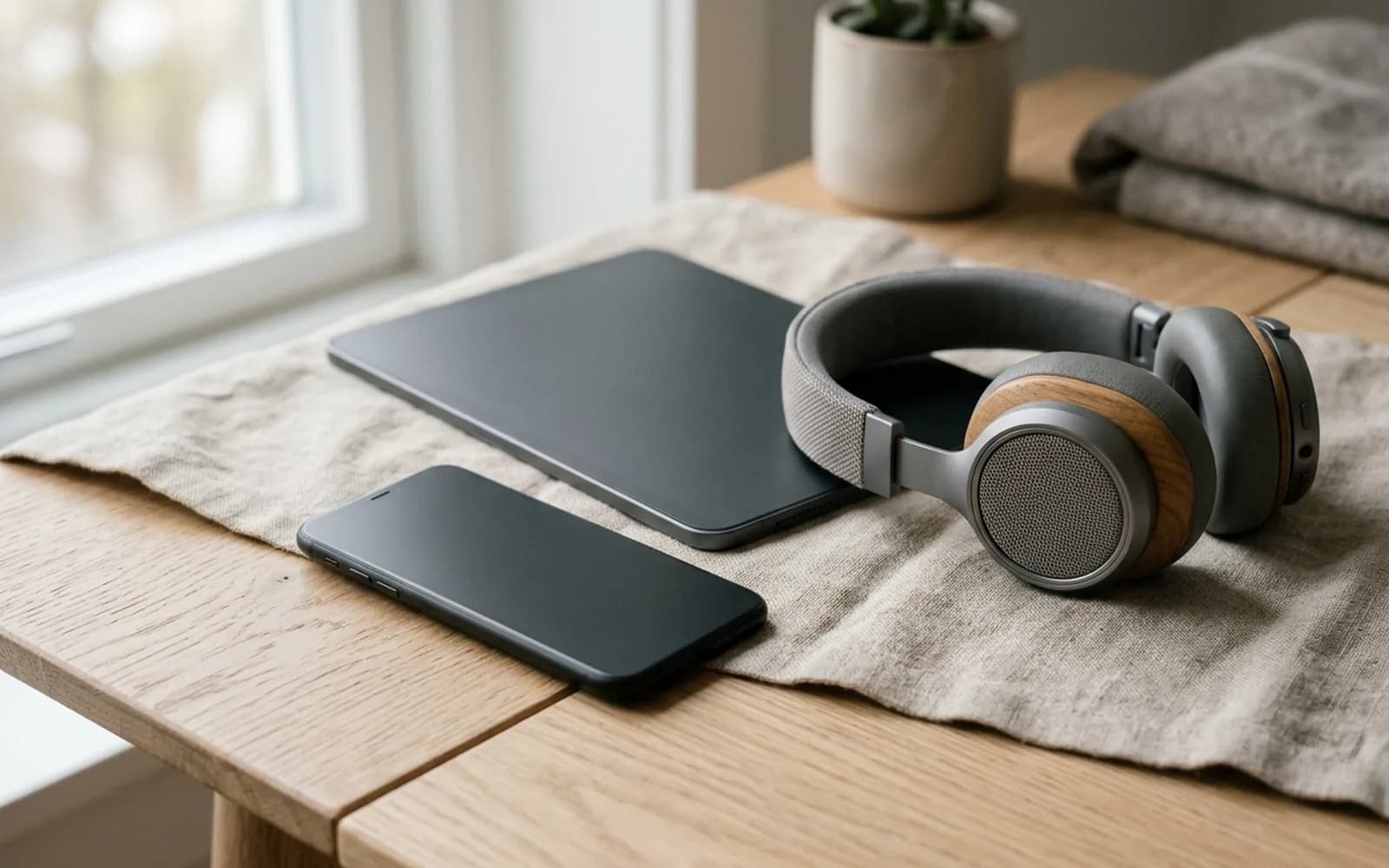
A smartphone, tablet, smartwatch, headphones and earbuds case on a pale blue background.
4 min left
ContentsStart with the serial number
  1. 1Start with the serial number
  2. 2Build quality
  3. 3Software and features
  4. 4Packaging and accessories
  5. 5Chargers and batteries
  6. 6Photos to take for a check

Contents

  1. 1Start with the serial number
  2. 2Build quality
  3. 3Software and features
  4. 4Packaging and accessories
  5. 5Chargers and batteries
  6. 6Photos to take for a check

In short

  • Most devices have a serial number in three places: on the device or under a lid, on the box label, and in the device's own settings.
  • A cheap phone dressed up as a premium model often runs a skin over different software.
  • A screenshot of the About screen in the device settings is useful evidence too.

Start with the serial number

Most devices have a serial number in three places: on the device or under a lid, on the box label, and in the device's own settings. All three should match.
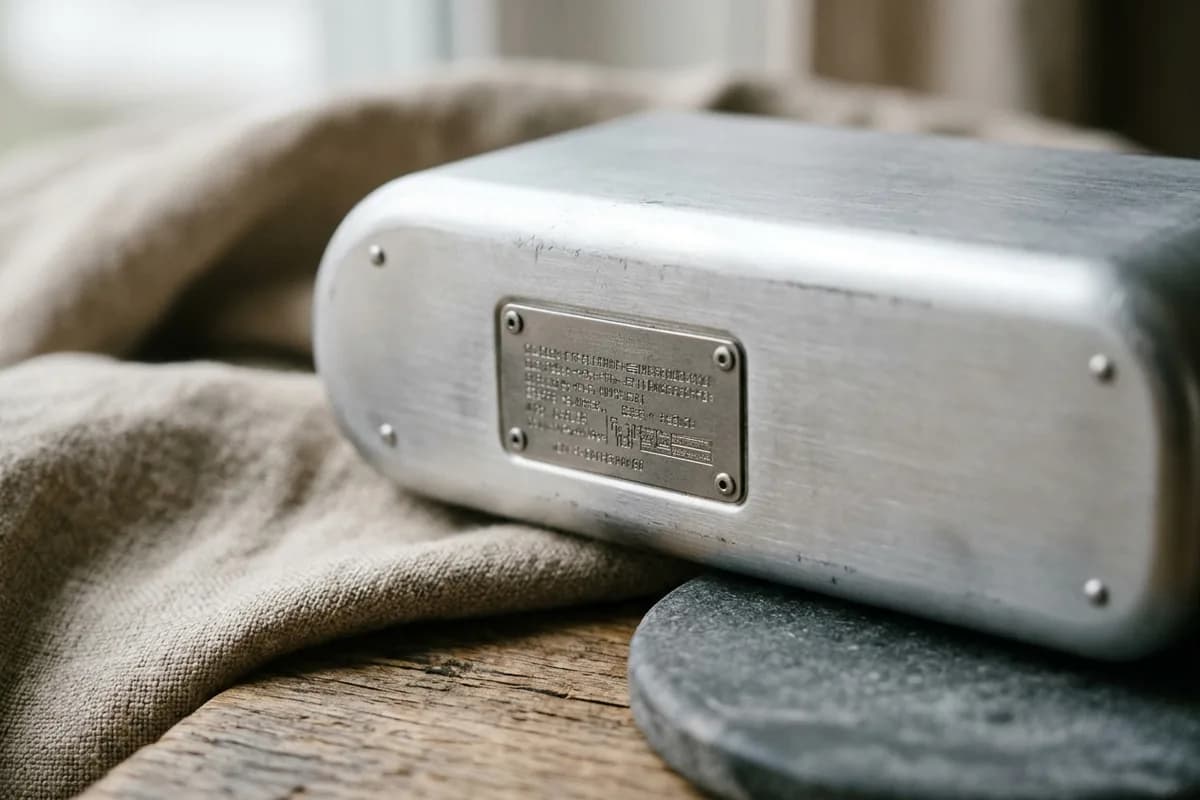
The serial number on the back of the device
  1. 1Find the serial in the device settings (usually under About)
  2. 2Compare it with the number printed on the box label
  3. 3Compare it with the number on the device itself, where there is one
  4. 4Enter it on the manufacturer's own coverage or warranty page

A valid serial is not enough

Counterfeiters copy real serial numbers from genuine devices. A serial that passes the manufacturer's check but does not match the box, or is shown for a different model or colour, is a red flag.

Build quality

  • Seams between parts are tight and even all the way round
  • Buttons press with a firm, consistent click
  • Ports are centred and cleanly cut, and cables fit snugly
  • Printing on the device is sharp and in the brand's font
  • The weight is close to the official figure for the model
  • Screws are the type the brand uses, with no scratches from earlier opening

Software and features

  • The settings show the right model name, storage and software version
  • The device installs official software updates
  • Brand features work as they should, such as account sign-in, device-finding services and the official app store
  • The screen, cameras, speakers and microphones match what the model should have

A cheap phone dressed up as a premium model often runs a skin over different software. Look for odd fonts, missing settings or an app store that is not the official one.

Packaging and accessories
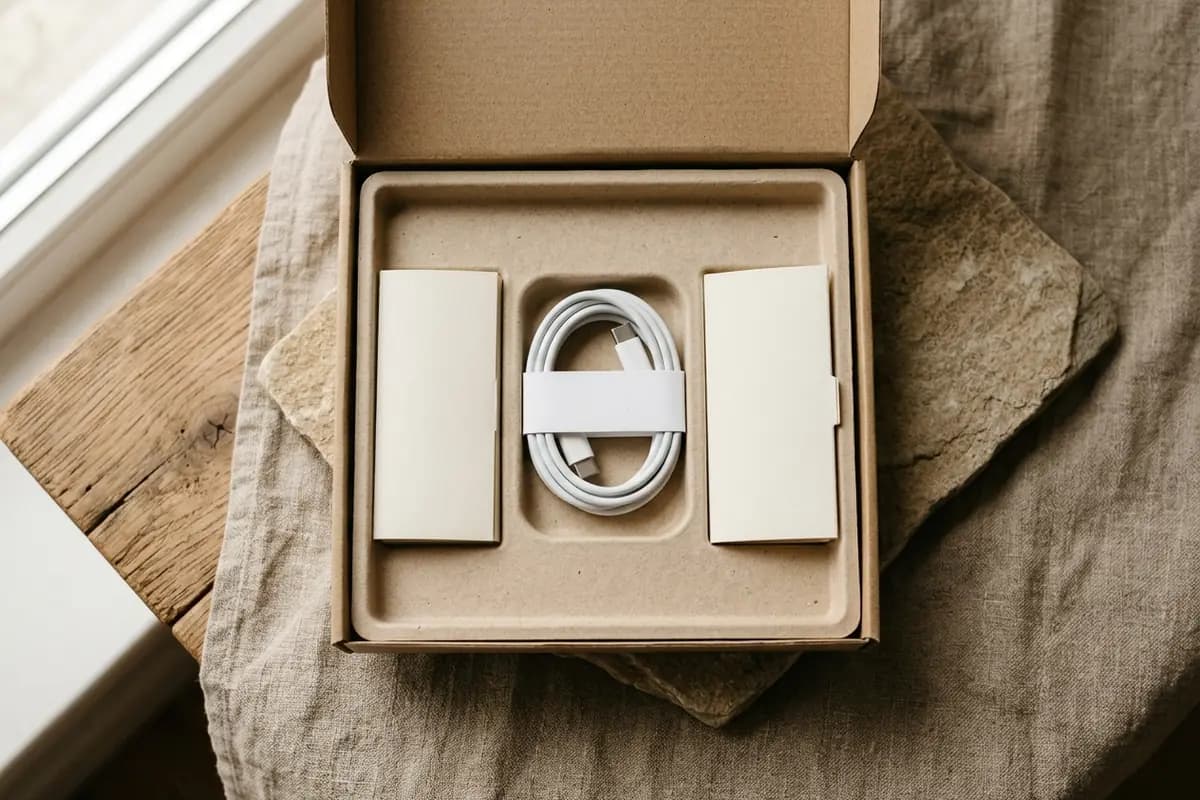
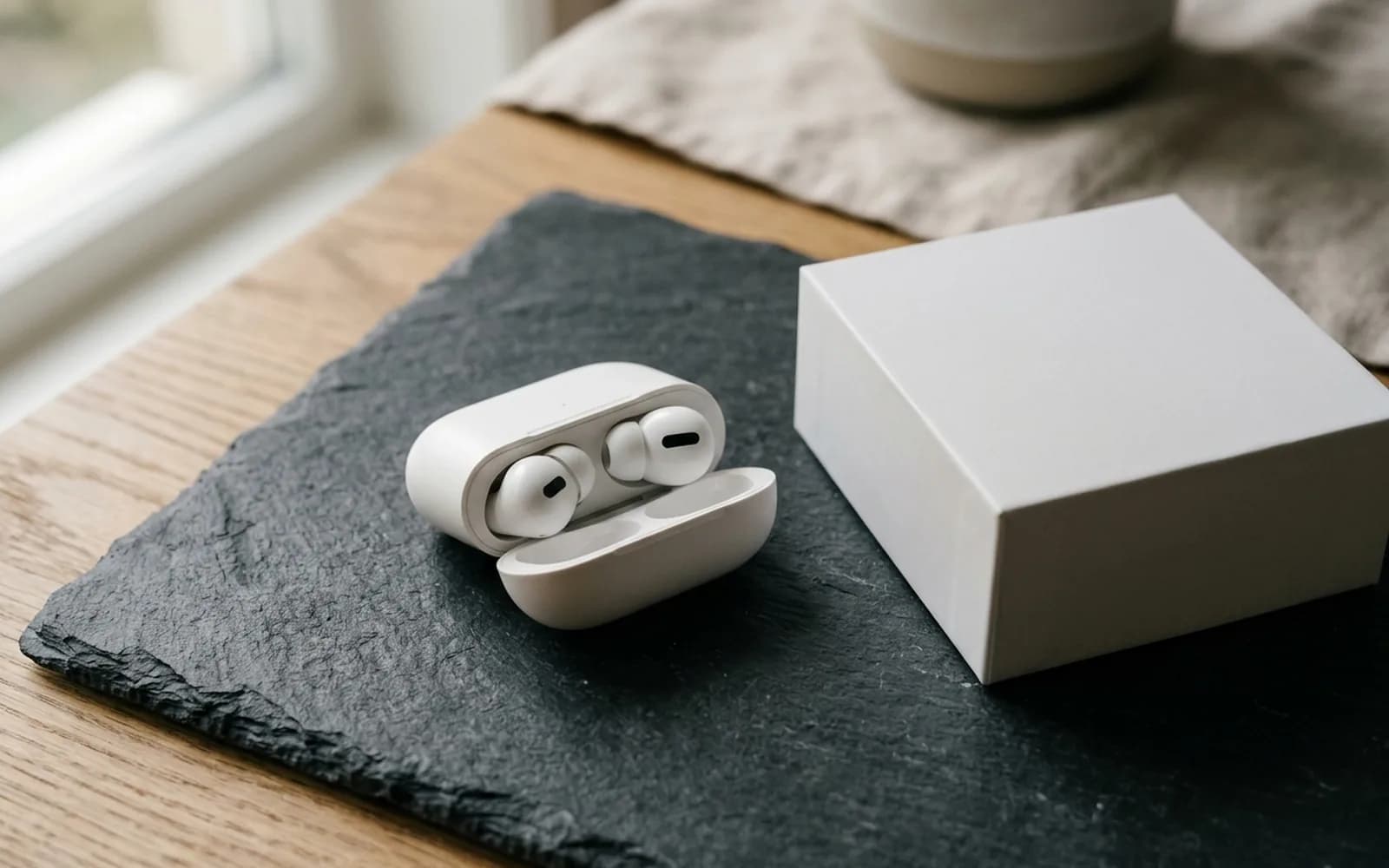
  • The box is rigid, with sharp printing and correct model details on the label
  • Seals and wrapping match how the brand packs that product
  • Cables and adapters carry the brand's markings and look well made
  • Manuals and inserts have no spelling mistakes or blurry print
Packaging inside: tray, cable and paperwork

Chargers and batteries

Fake chargers are dangerous

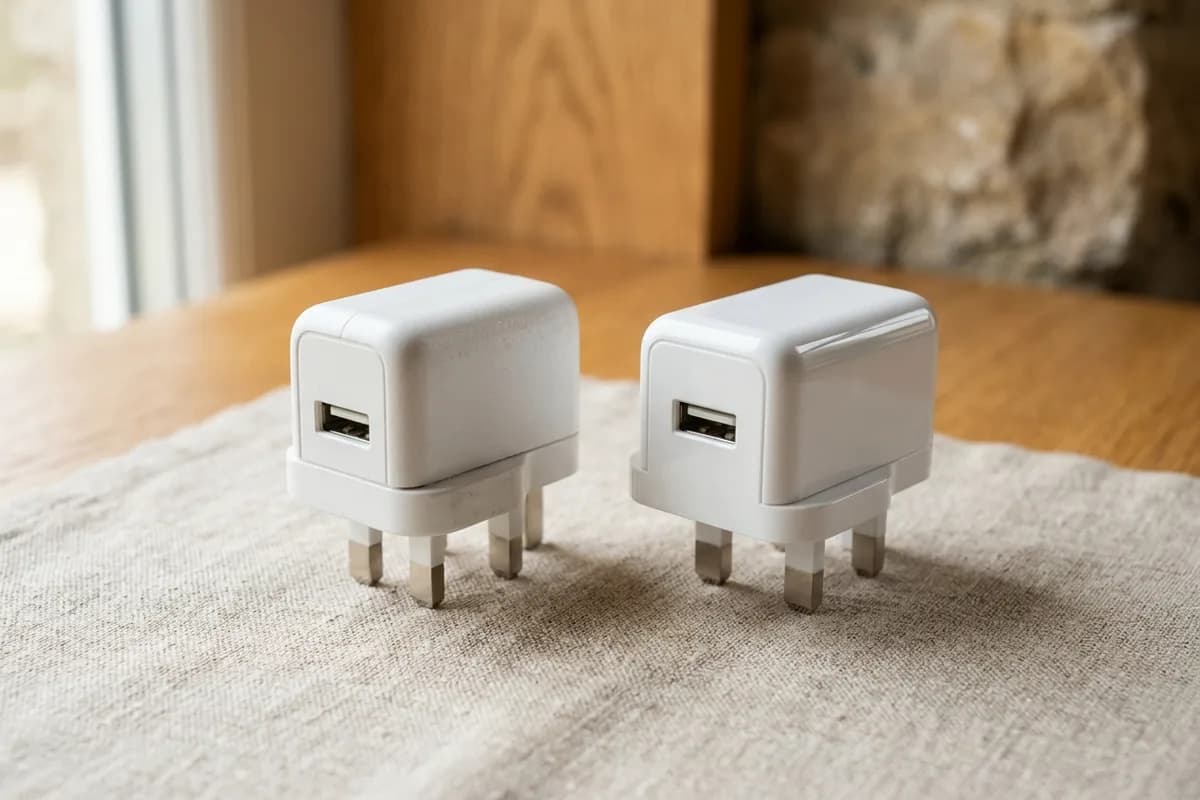
Counterfeit chargers and batteries often skip the safety parts that prevent overheating and fire. Do not use a charger or battery you suspect is fake. Look for the brand's markings and recognised safety marks, and buy power accessories from trusted sources.

Two chargers: compare finish and fit
  • A genuine charger feels dense and solid; a fake is often very light
  • Printing on the charger is sharp and complete, with the correct ratings
  • The pins are straight, smooth and firmly fixed

Photos to take for a check

The sealed box, front on
The serial number under the lid
The device itself, in focus
  1. 1The serial number on the device
  2. 2The box with its serial label
  3. 3Ports, seams and printing, close up
  4. 4The accessories and cables

A screenshot of the About screen in the device settings is useful evidence too.

Check an item with VerifAI

Take the photos this guide describes and get an AI authenticity check in minutes. VerifAI reads only the photos you upload; it is not a physical inspection or a guarantee.

Check an item on the webApp StoreGoogle Play

Was this helpful?

Next up

Counterfeit alert: how to spot fake AirPods

3 min read
Related reading

  • Fake listings

    Price, photos, wording, seller history and payment requests: the red flags that give most fake listings away, and what to ask the seller.

  • Buying safely

    How to protect your money when you buy pre-owned: the proof to ask for, the payment methods that protect you and what to do at handover.

All articles

Product

  • All Products
  • How It Works
  • For Businesses
  • For Buyers & Sellers
  • Sample Report
  • Pricing

Resources

  • Blog
  • Scan Guides
  • Help Center

Company

  • About Us
  • Contact

Get started

  • Check an item
  • Sign in
  • Create account
  • Request a demo

Legal

  • Privacy Policy
  • Delete Account
  • Terms of Service
  • Refund Policy
  • Accessibility
VerifAI Logo
VerifAI

© 2026 Authenticating Solutions LLC (VerifAI). All rights reserved.

Product and company names and logos belong to their owners. VerifAI is not affiliated with or endorsed by them.

VerifAI