VerifAI Logo
VerifAI
How it worksFor businessesFor buyers & sellersPricing
Sign inRequest a demo
Sign in
HomeBlogFake listings

Spot fakes

How to spot a fake listing before you pay

Price, photos, wording, seller history and payment requests: the red flags that give most fake listings away, and what to ask the seller.

3 min readUpdated 22 October 2026
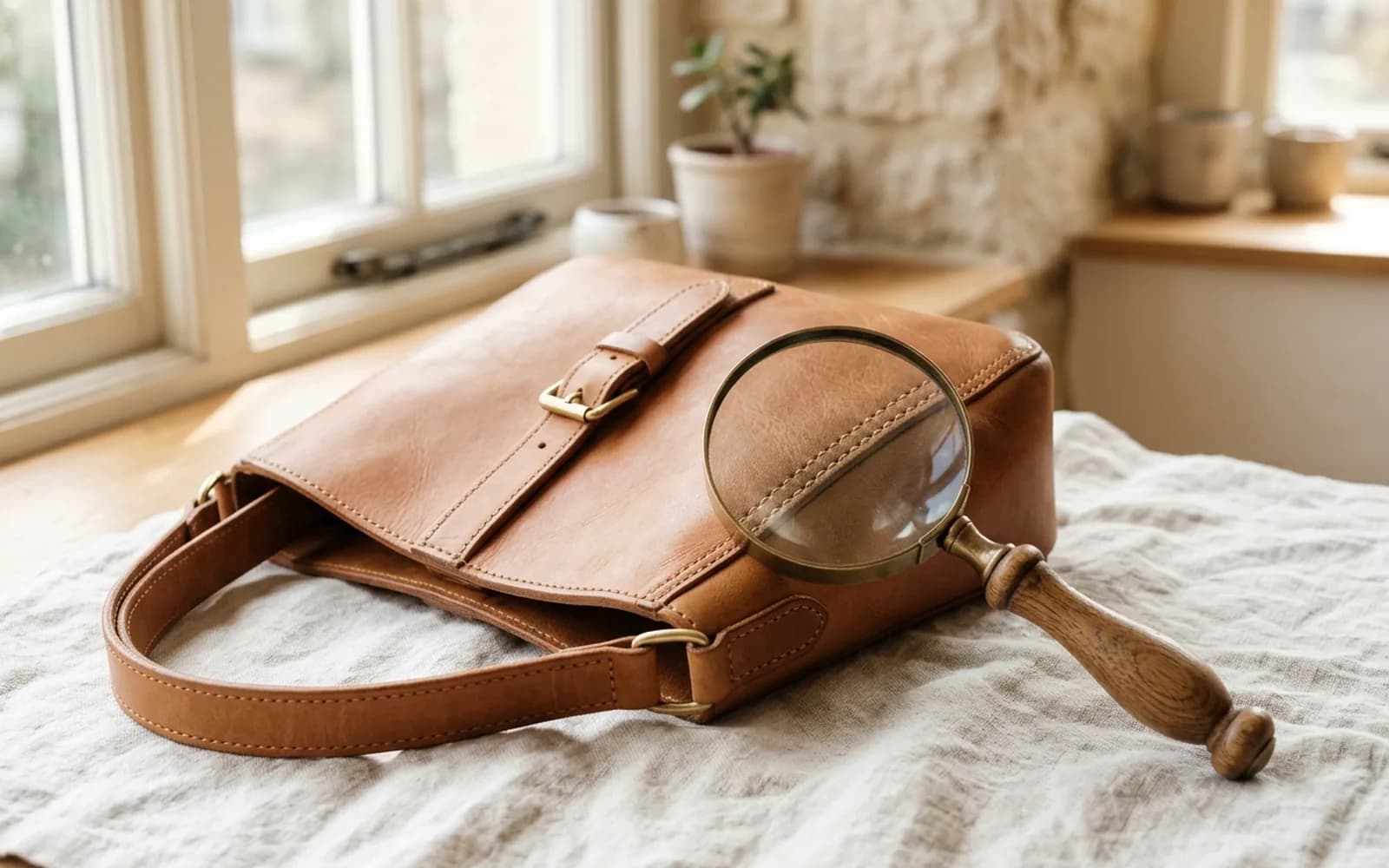
A magnifier held over a monogram handbag, showing a logo from a different brand.
3 min left
ContentsThe price
  1. 1The price
  2. 2The photos
  3. 3The wording
  4. 4The seller
  5. 5The payment
  6. 6What to ask the seller

Contents

  1. 1The price
  2. 2The photos
  3. 3The wording
  4. 4The seller
  5. 5The payment
  6. 6What to ask the seller

In short

  • Fakes compete on price.
  • Use the marketplace's own checkout or a payment method with buyer protection, such as a credit card.
  • Then run a check on the photos, or check the listing itself in the app, before you pay.

The price

Fakes compete on price. A genuine item from a popular brand rarely sells far below what similar items have recently sold for.
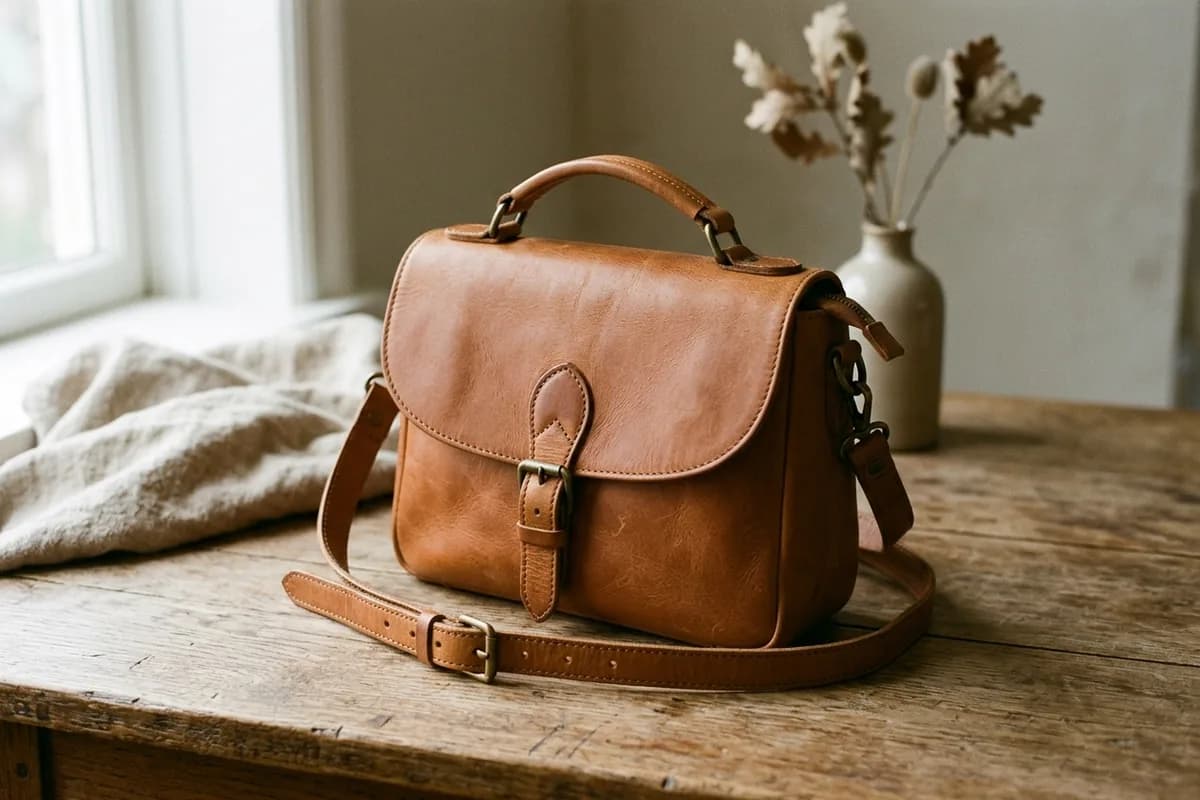
A price far below market is the first flag
  • Compare with recent sold prices, not only asking prices, for the same model and condition
  • Be careful with “brand new” limited items far below retail price
  • Be wary of a seller offering the same rare item in many sizes or colours

Use a price estimate

When there is enough market data, a VerifAI check estimates what the item usually sells for and flags an asking price that looks too low.

The photos

  • The photos show the actual item, not stock images from the brand's website
  • There are photos of labels, codes and hardware, not only wide shots
  • The background and lighting look consistent from photo to photo
  • A reverse image search does not show the same photos in other listings
Stock-style photos are a warning

Blurry on purpose

Listings that avoid close-ups of logos, labels and serial numbers are hiding the details that would show whether the item is genuine.

The wording

  • Words like “replica”, “inspired”, “1:1”, “mirror quality”, “AAA” or “UA” describe fakes
  • Vague descriptions with no model name, size, year or condition details
  • Claims that the item is “100% authentic” with no proof, receipt or photos of codes
  • Pressure to buy now: “last one”, “price only today”

The seller

  • The account has a history of sales and genuine reviews
  • The seller answers questions clearly and sends new photos when asked
  • Their location matches where the item ships from
  • They are happy for you to check the item before or on delivery

The payment

Stay on the platform

Be very careful if a seller asks you to pay outside the marketplace, by bank transfer, gift cards or crypto, or with a “friends and family” payment. These methods usually remove your buyer protection.

Pay in a way that protects you

Use the marketplace's own checkout or a payment method with buyer protection, such as a credit card.

What to ask the seller

  1. 1A photo of the item with a handwritten note showing your name and today's date
  2. 2Close-ups of the logo, the inside label and the serial number or date code
  3. 3A photo of the receipt or proof of purchase
  4. 4The reason they are selling and where they bought it

Then run a check on the photos, or check the listing itself in the app, before you pay.

Check an item with VerifAI

Take the photos this guide describes and get an AI authenticity check in minutes. VerifAI reads only the photos you upload; it is not a physical inspection or a guarantee.

Check an item on the webApp StoreGoogle Play

Was this helpful?

Next up

Buying second-hand safely: payment, proof and returns

3 min read
Related reading

  • How checks work

    How VerifAI looks at your photos, what it compares, what a result can tell you and where its limits are.

  • Sneakers

    Price, box, shape, stitching, insole and sole: what to look at on a pair of sneakers, in the order an authenticator would, and the photos to take for a check.

All articles

Product

  • All Products
  • How It Works
  • For Businesses
  • For Buyers & Sellers
  • Sample Report
  • Pricing

Resources

  • Blog
  • Scan Guides
  • Help Center

Company

  • About Us
  • Contact

Get started

  • Check an item
  • Sign in
  • Create account
  • Request a demo

Legal

  • Privacy Policy
  • Delete Account
  • Terms of Service
  • Refund Policy
  • Accessibility
VerifAI Logo
VerifAI

© 2026 Authenticating Solutions LLC (VerifAI). All rights reserved.

Product and company names and logos belong to their owners. VerifAI is not affiliated with or endorsed by them.

VerifAI