
VerifAI Logo
VerifAI
How it worksFor businessesFor buyers & sellersPricing
Sign inRequest a demo
Sign in
HomeBlogClose-ups

Photo tips

Close-ups that count: logos, labels, stitching and codes

The small details are where genuine and fake items differ most. How to capture logos, engravings, labels and serial numbers sharply enough to read.
3 min readUpdated 22 October 2026
A hand holding a phone in camera mode, framing an orange textured surface.
3 min left
ContentsLogos and engravings
  1. 1Logos and engravings
  2. 2Stitching and texture
  3. 3Labels, serials and codes
  4. 4Hardware

Contents

  1. 1Logos and engravings
  2. 2Stitching and texture
  3. 3Labels, serials and codes
  4. 4Hardware

In short

  • Brand logos often carry tiny design details that counterfeiters get wrong: the shape of a letter, the spacing, the depth of an engraving.
  • Stitch length, spacing and thread colour, and the grain of leather or the weave of fabric, are some of the best indicators of quality.
  • Serial numbers and codes are unique identifiers, and a check can read the text on labels and documents.

Logos and engravings

Brand logos often carry tiny design details that counterfeiters get wrong: the shape of a letter, the spacing, the depth of an engraving. A clear logo shot lets these be compared with genuine examples.
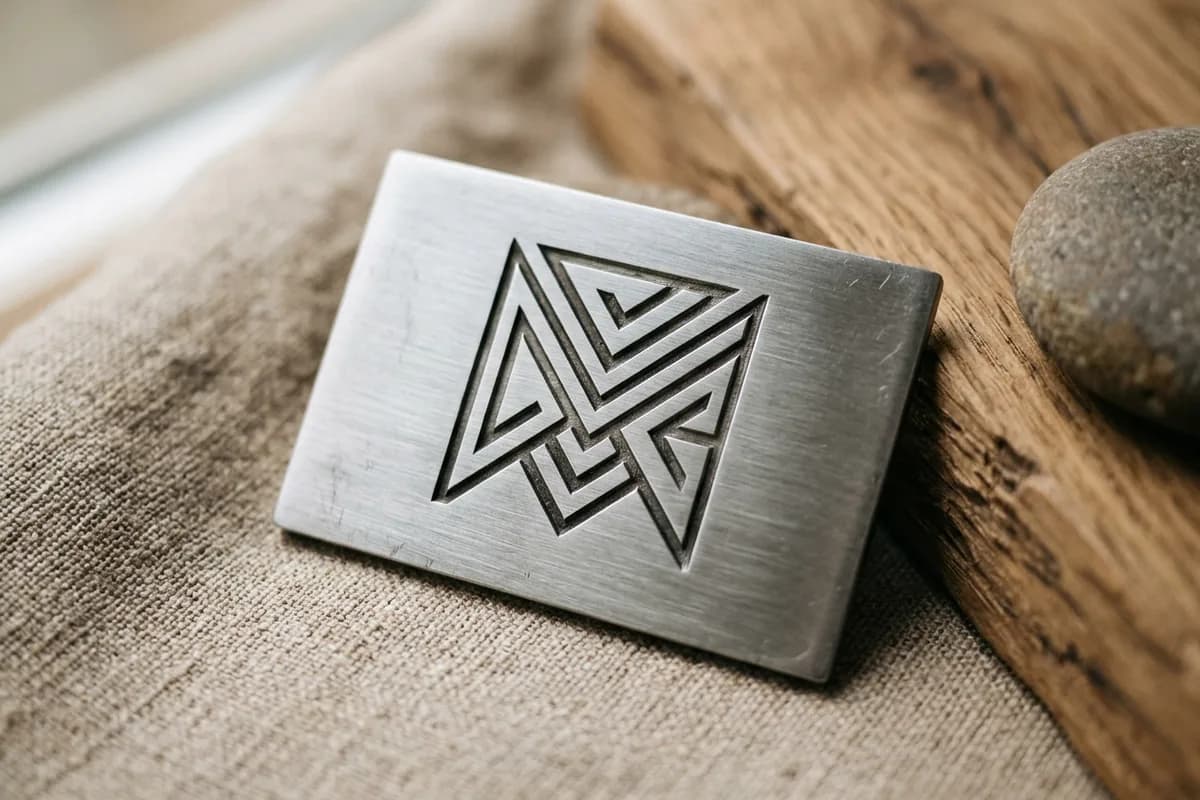
Engravings need a sharp close-up
  1. 1Centre the logo in the frame, with nothing cut off
  2. 2Hold the phone parallel to the logo, not at an angle
  3. 3Tap the logo to focus, and hold still for two or three seconds
  4. 4Take a second shot at a slight angle if the logo is engraved or embossed, so the light shows its depth

Stitching and texture

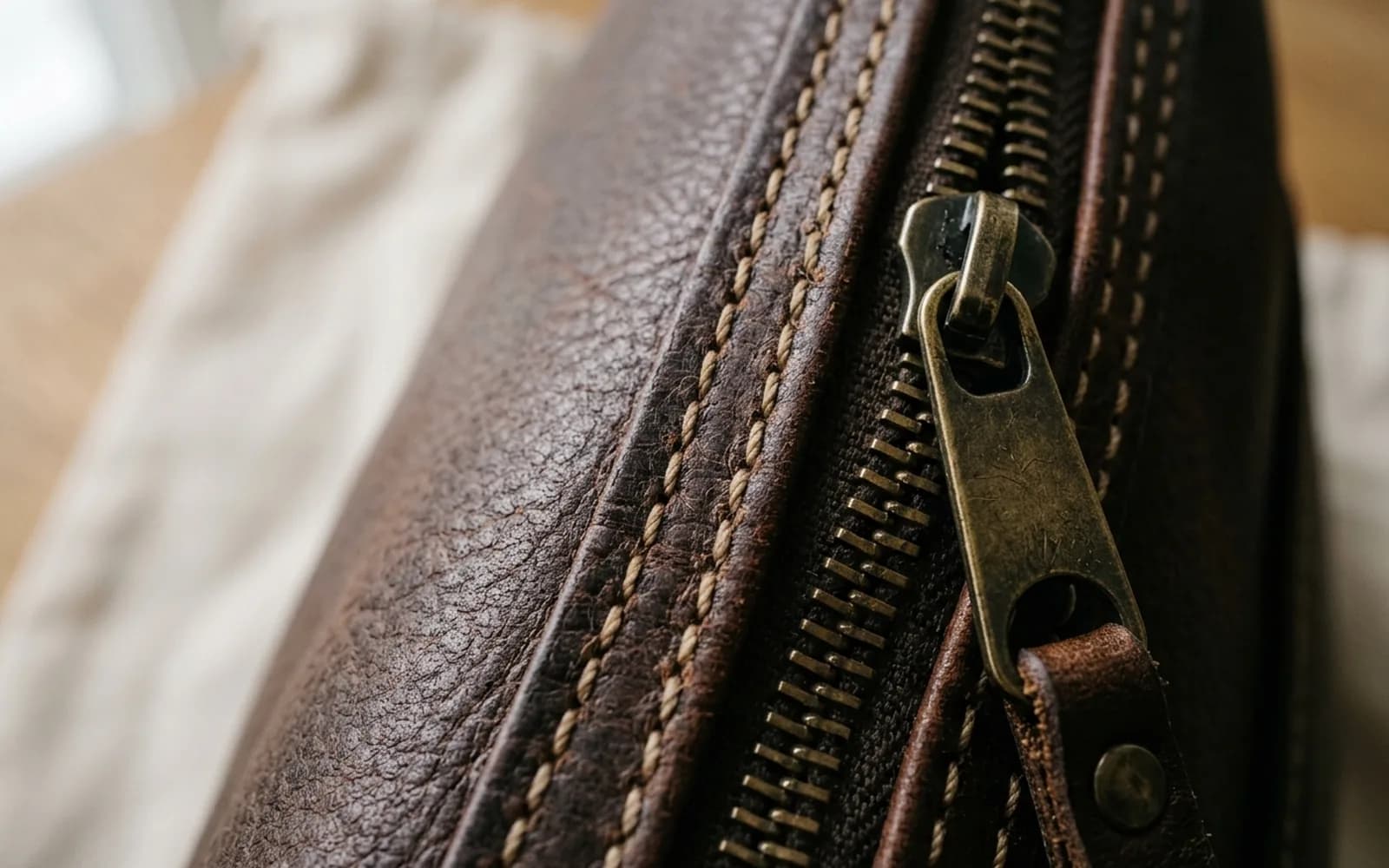
Stitch length, spacing and thread colour, and the grain of leather or the weave of fabric, are some of the best indicators of quality.

  • Take a close-up along a seam that includes several stitches
  • Include a corner or handle, where stitching is hardest to do well
  • Show the texture of the material in sharp focus
  • Avoid shadows falling across the detail from your hand or phone

Labels, serials and codes

Serial numbers and codes are unique identifiers, and a check can read the text on labels and documents. They must be readable in the photo.
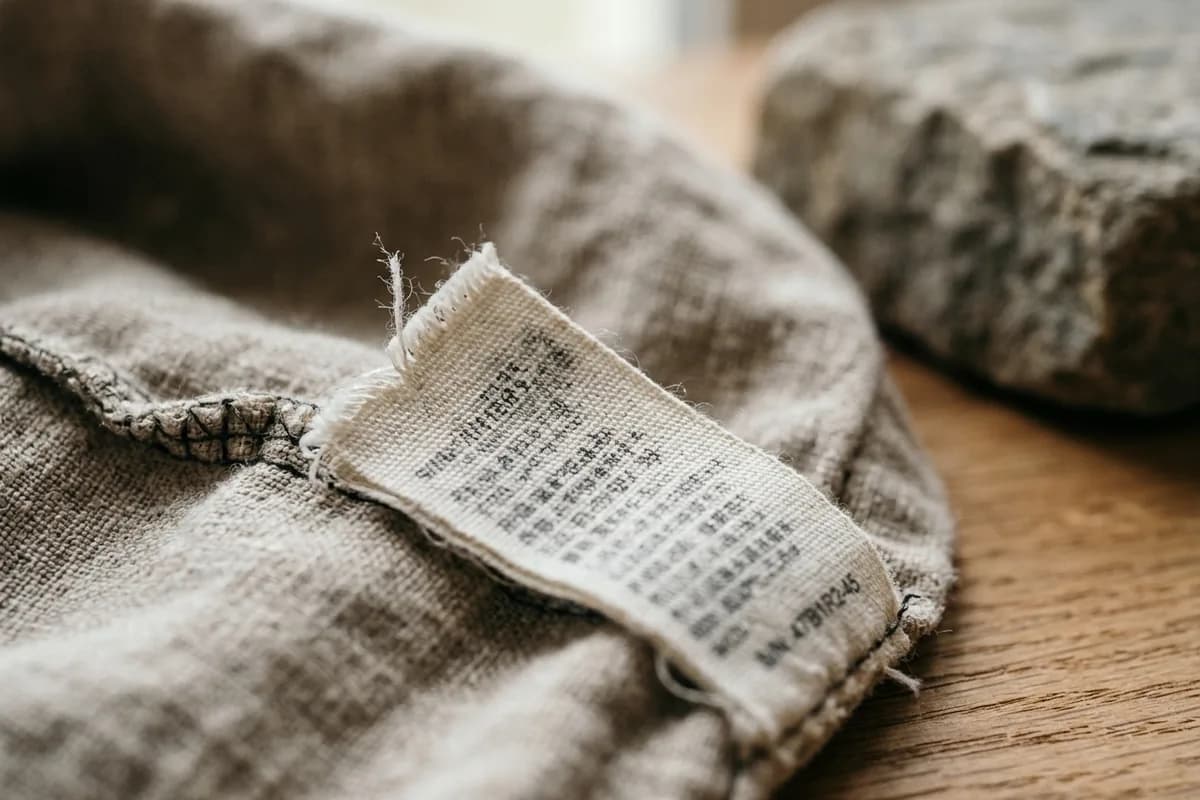
Get close to labels and codes
  • Every character of the code is in focus and readable
  • The whole label is in the frame, including its edges and stitching
  • There is no glare on shiny labels or metal plates
  • Codes in hard places, such as inside a bag or under a lid, are lit with a lamp rather than the flash

Check before you upload

Zoom into the photo on your phone. If you cannot read the code yourself, VerifAI will not be able to either.

Hardware

  • Photograph zip pulls, clasps, buckles and feet up close, including engravings
  • Show the back of hardware where markings are often stamped
  • Tilt metal parts slightly so they reflect the room's light, not your phone

Check an item with VerifAI

Take the photos this guide describes and get an AI authenticity check in minutes. VerifAI reads only the photos you upload; it is not a physical inspection or a guarantee.

Check an item on the webApp StoreGoogle Play

Was this helpful?

Next up

How to photograph an item for a check

3 min read

Related reading
  • Lighting

    Good light shows colour, texture and fine detail; bad light hides them. How to light any item for a check, including shiny and dark ones.
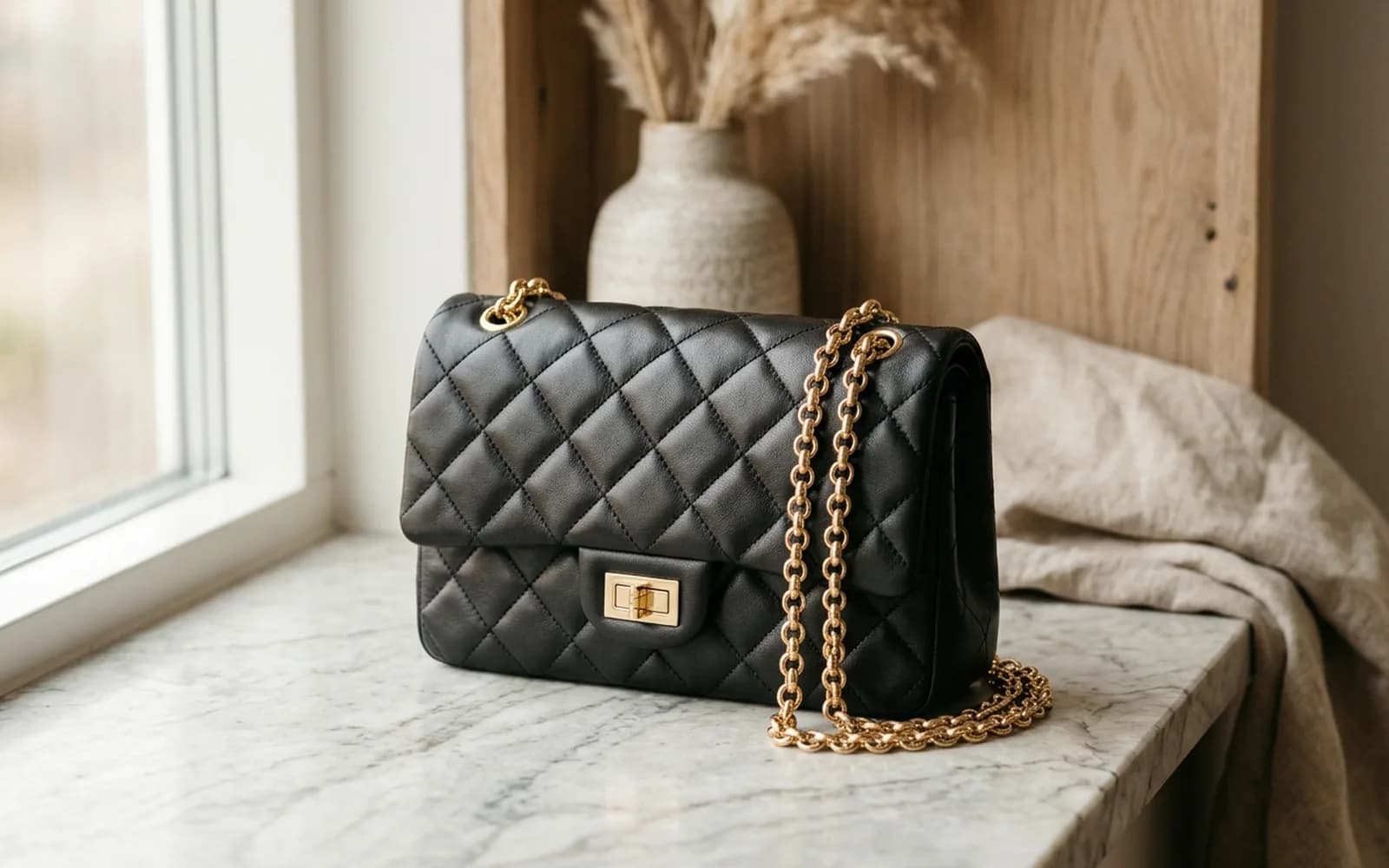
  • Handbags

    Leather, canvas, stitching, hardware, heat stamps and codes: a practical checklist for designer bags, with brand notes for Chanel, Louis Vuitton, Hermès and Gucci.

All articles

Product

  • All Products
  • How It Works
  • For Businesses
  • For Buyers & Sellers
  • Sample Report
  • Pricing

Resources

  • Blog
  • Scan Guides
  • Help Center

Company

  • About Us
  • Contact

Get started

  • Check an item
  • Sign in
  • Create account
  • Request a demo

Legal

  • Privacy Policy
  • Delete Account
  • Terms of Service
  • Refund Policy
  • Accessibility
VerifAI Logo
VerifAI

© 2026 Authenticating Solutions LLC (VerifAI). All rights reserved.

Product and company names and logos belong to their owners. VerifAI is not affiliated with or endorsed by them.

VerifAI