Photo tips
How to photograph an item for a check
A check can only judge what it can see. The set-up, the shot list and the mistakes to avoid, so VerifAI has the evidence it needs.
In short
- VerifAI reads only the photos you upload.
- These shots work for almost any item.
- If you cannot hold the item, ask the seller for the photos on this list, taken today.
Why photos decide the result
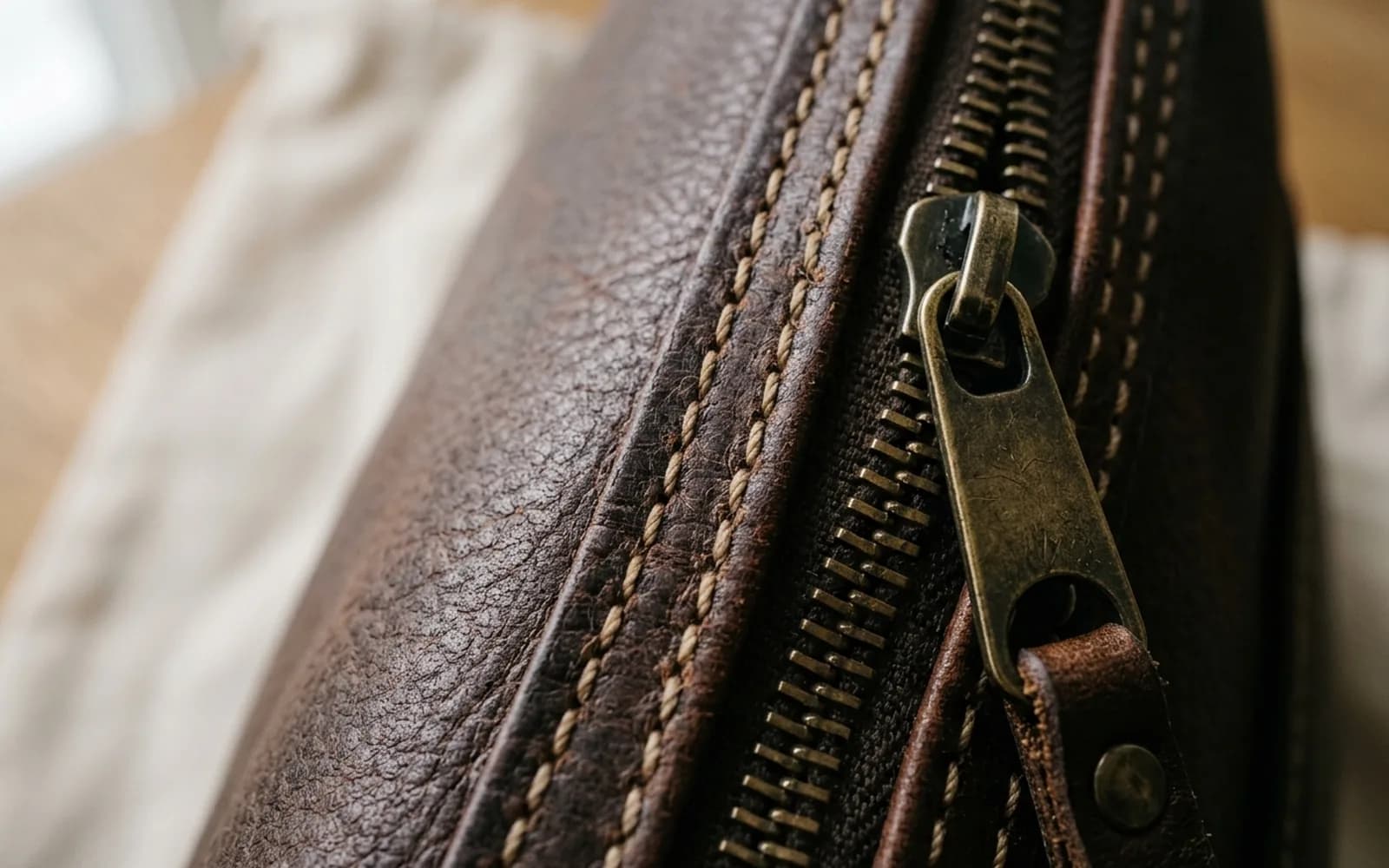
VerifAI reads only the photos you upload. It cannot pick the item up, feel the leather or open the case. Logos, labels, stitching, hardware and codes are the details that carry the most evidence, so the clearer they are, the more there is to go on.
A quick check reads up to 4 photos. Deep VerifAI reads up to 8, which leaves room for close-ups of every important detail.
Set up in one minute
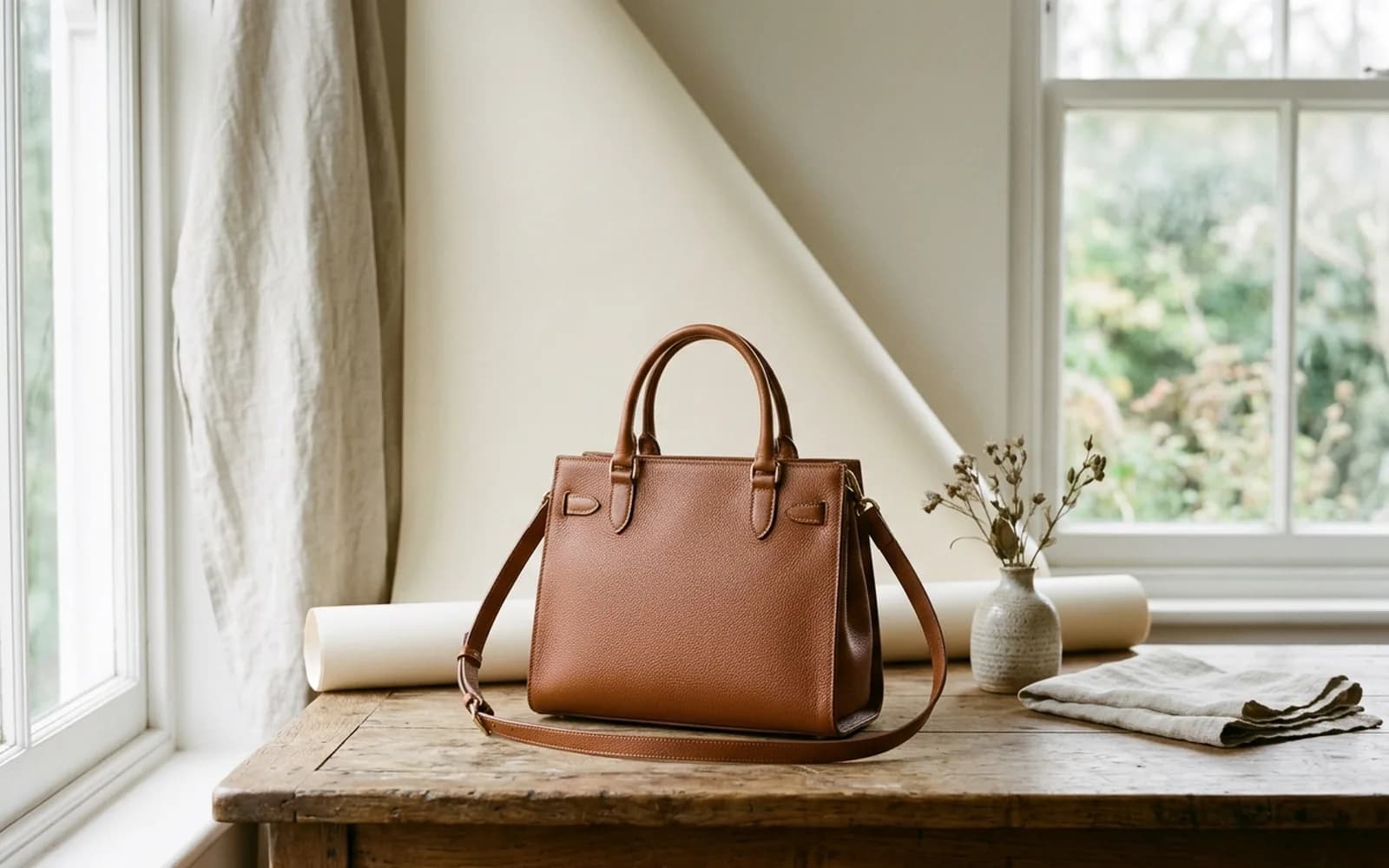
- Find good light: daylight near a window, or even indoor light without harsh shadows
- Put the item on a plain, neutral background such as a table, a sheet or a wall
- Clean your camera lens with a soft cloth
- Turn off the flash, filters and beauty modes
- Have the box, tags, receipt and any certificates ready to photograph too
The shot list
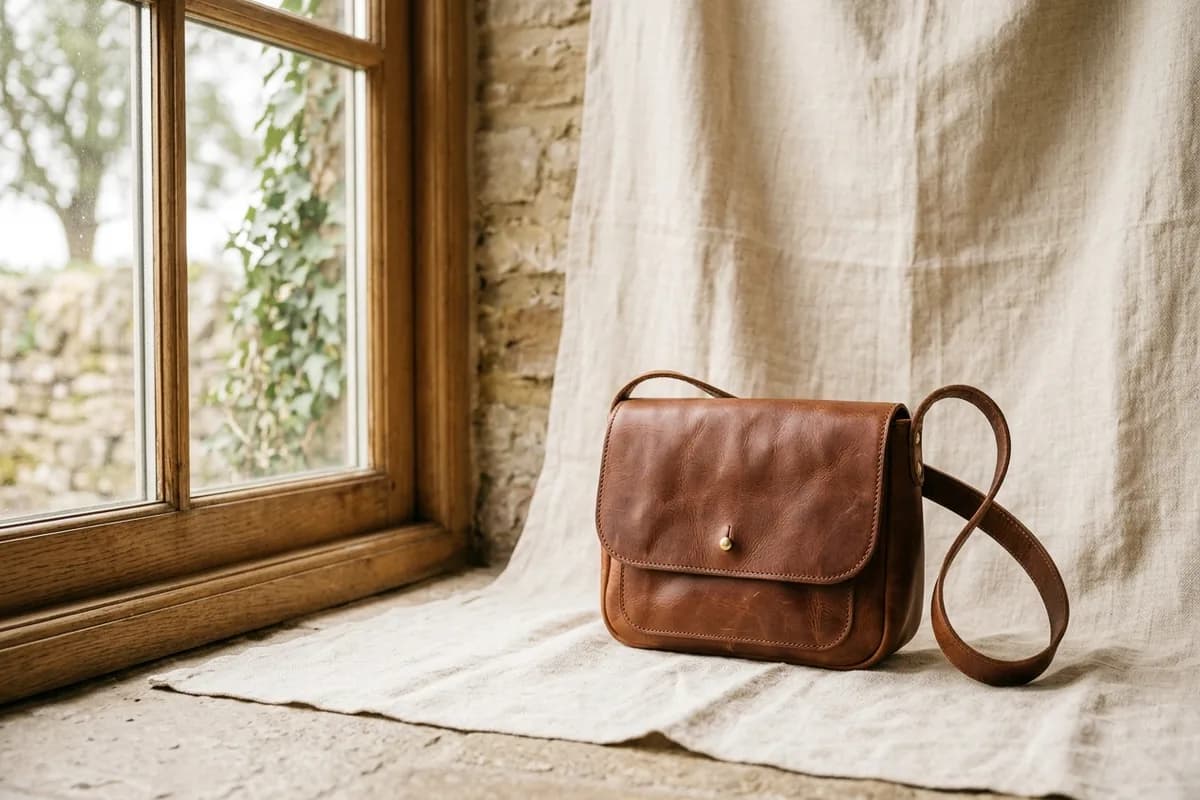
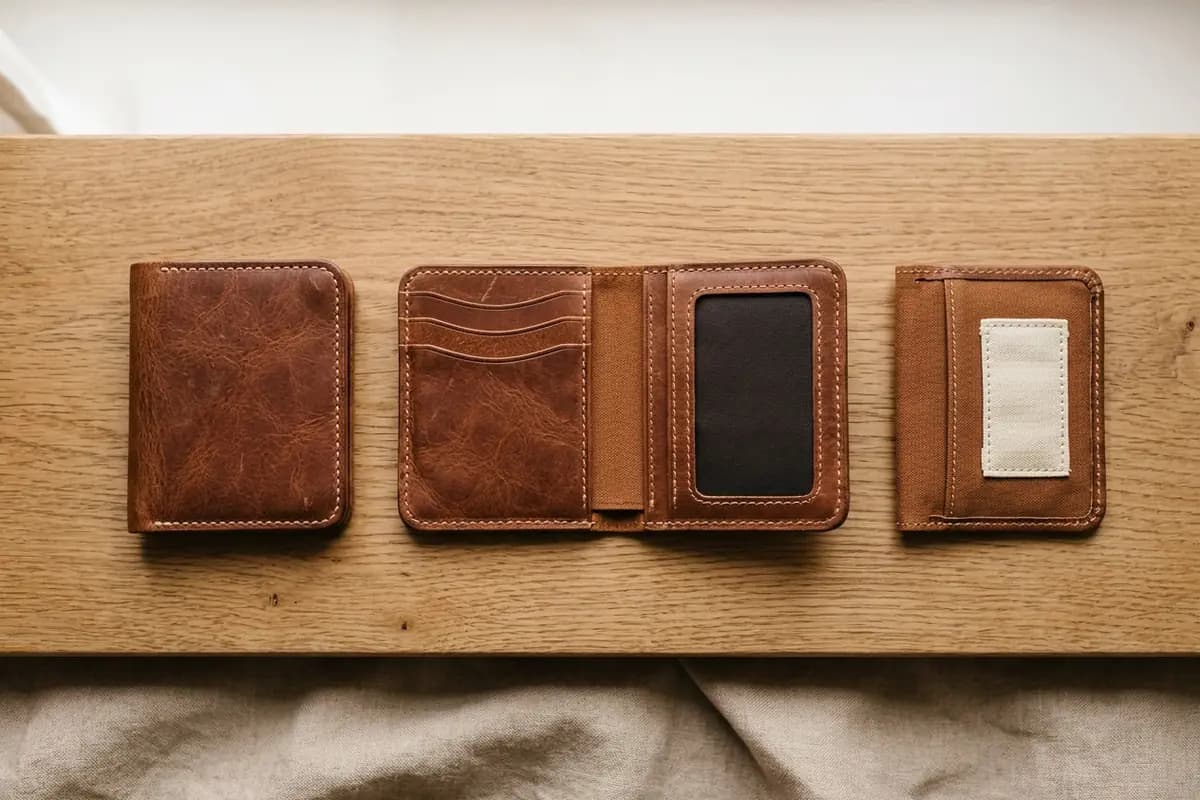
These shots work for almost any item. The category guides add the details that matter most for each kind of item.
Mistakes to avoid
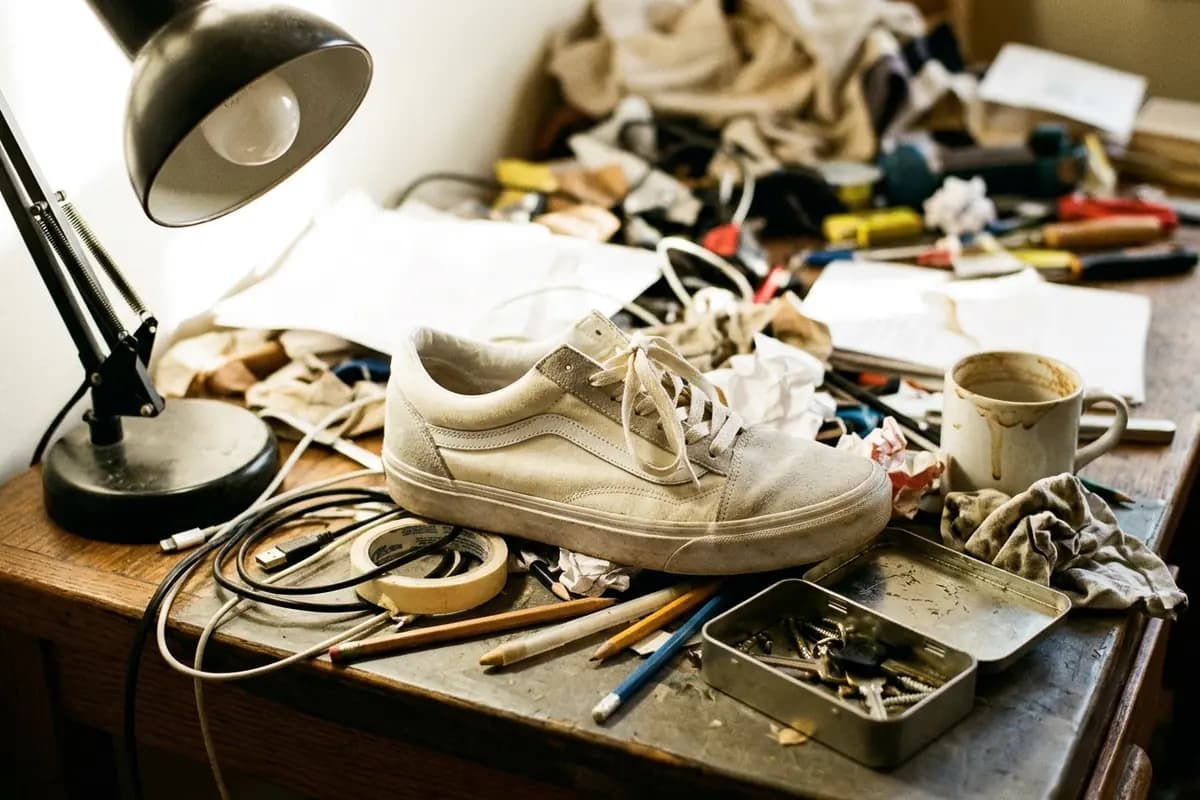
- Flash that washes out detail and adds glare
- Low light, which makes close-ups blurry
- Cropping off part of the item, or a label
- Reflections on glass, metal or patent leather: change your angle instead
- Heavy editing, filters or screenshots of screenshots
Checking an item you are buying online
If you cannot hold the item, ask the seller for the photos on this list, taken today. Ask for one with a note showing your name and the date beside the item: it proves the photos are recent and of the real item. In the app, you can also check the listing itself.
Next up
Close-ups that count: logos, labels, stitching and codes
3 min read