VerifAI Logo
VerifAI
How it worksFor businessesFor buyers & sellersPricing
Sign inRequest a demo
Sign in
HomeBlogLighting

Photo tips

Light it right: sharp, true-colour photos

Good light shows colour, texture and fine detail; bad light hides them. How to light any item for a check, including shiny and dark ones.

2 min readUpdated 22 October 2026
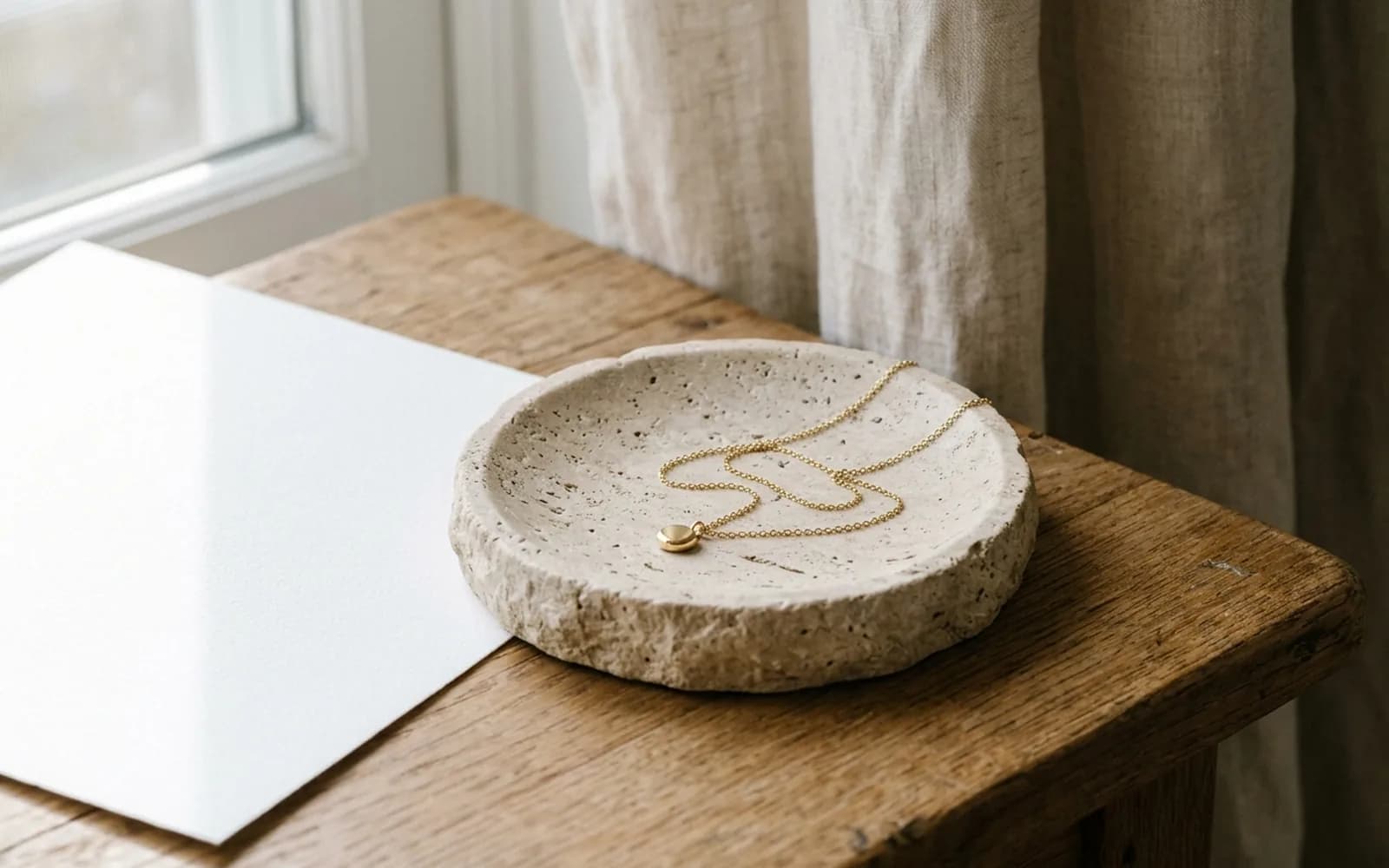
A hand holding a phone that frames a necklace in a warmly lit room.
2 min left
ContentsUse soft daylight
  1. 1Use soft daylight
  2. 2Indoors and at night
  3. 3Shiny and dark items
  4. 4Keep it sharp

Contents

  1. 1Use soft daylight
  2. 2Indoors and at night
  3. 3Shiny and dark items
  4. 4Keep it sharp

Use soft daylight

Daylight near a window gives the most accurate colours and even light. Avoid direct sun, which creates hard shadows and burns out bright areas.
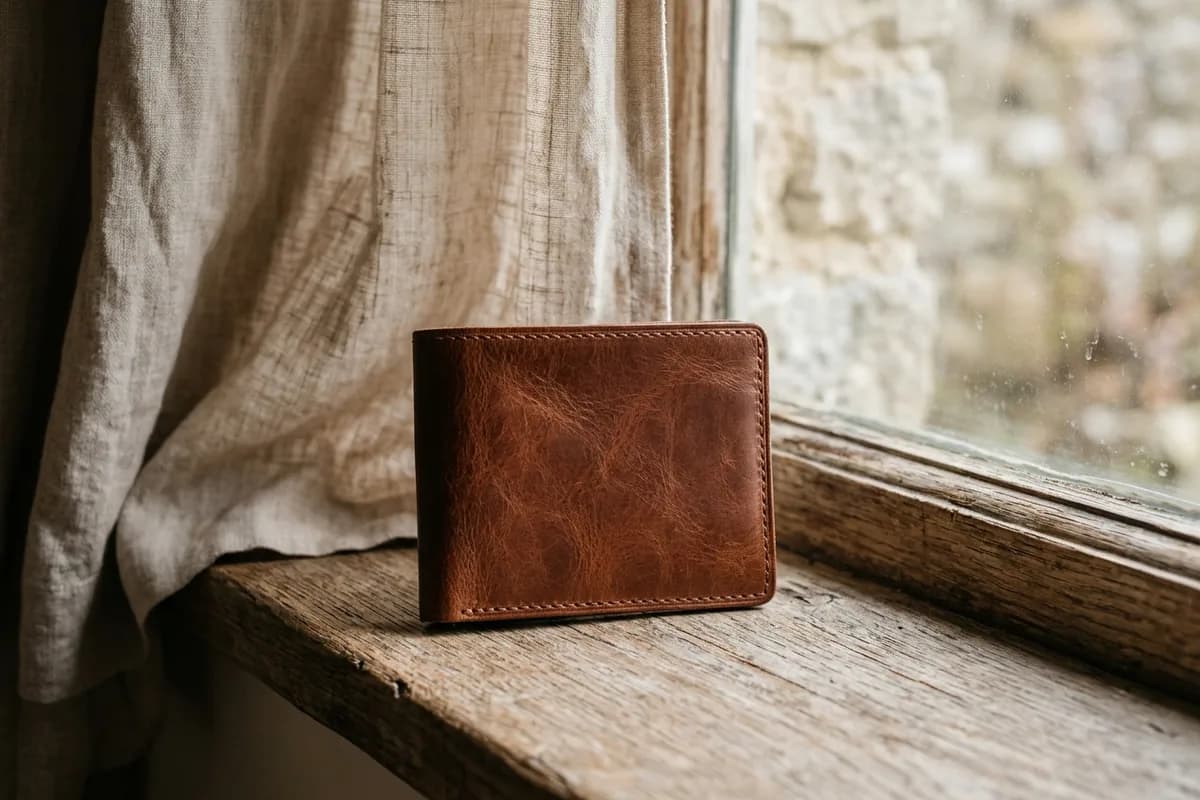
Soft daylight beside a window
  1. 1Stand or sit next to a window, with the light falling across the item
  2. 2If the sun shines straight in, use a thin curtain to soften it
  3. 3Turn off coloured lamps that tint the item
  4. 4Keep the same light for every photo of the item

Indoors and at night

  • Use several lights or one bright, even light, rather than one small spotlight
  • Choose white or neutral bulbs so colours stay true
  • Keep the light behind or beside you, so your shadow does not fall on the item
  • Avoid the flash: it flattens texture and adds glare

Shiny and dark items

  • Watches, jewelry and patent leather: tilt the item until reflections move off the detail you need
  • Glass and crystals: shoot slightly from the side so you do not see yourself reflected
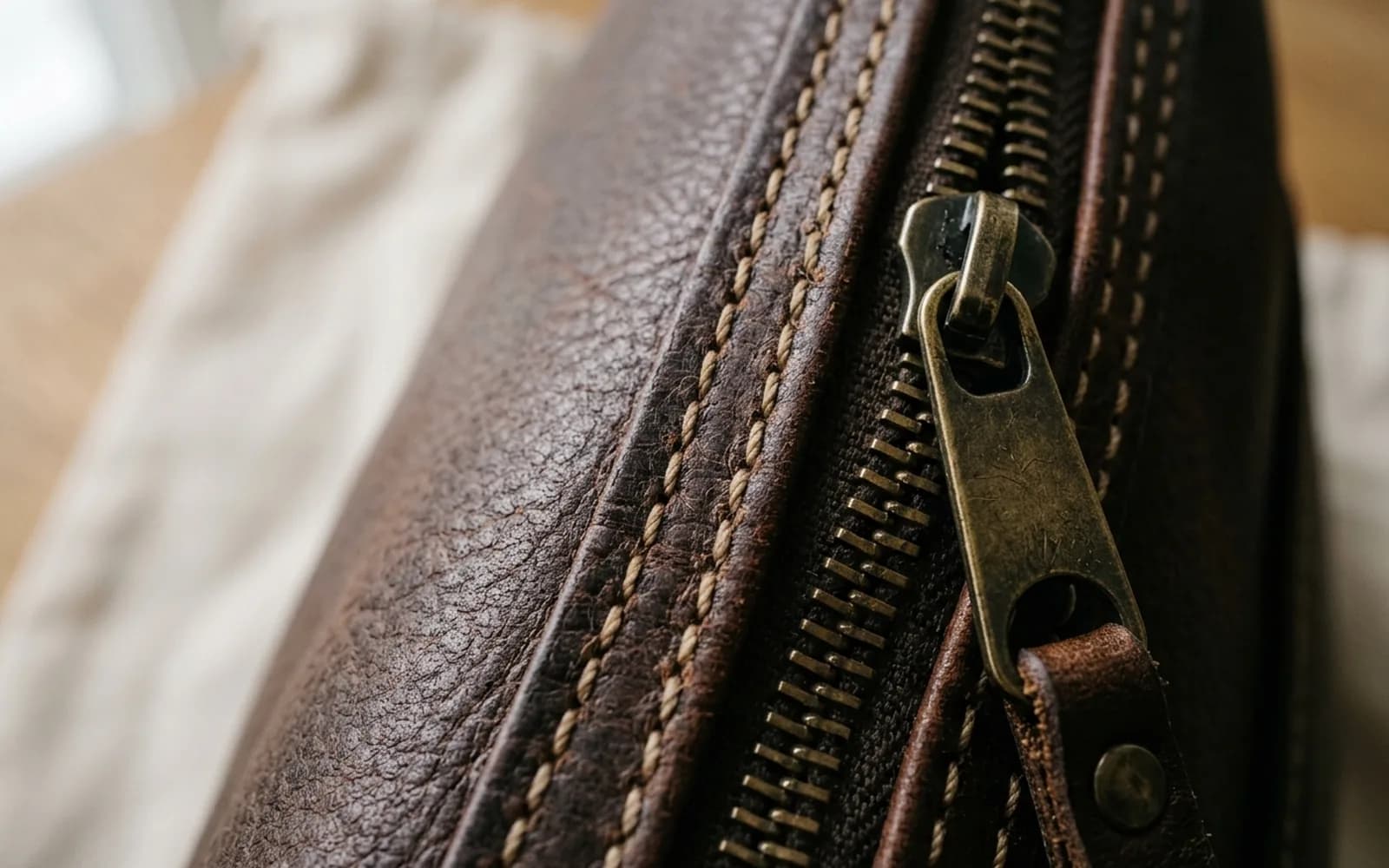
  • Dark leather and black items: add more light rather than brightening the photo afterwards
  • White items: avoid overexposure, so stitching and texture still show
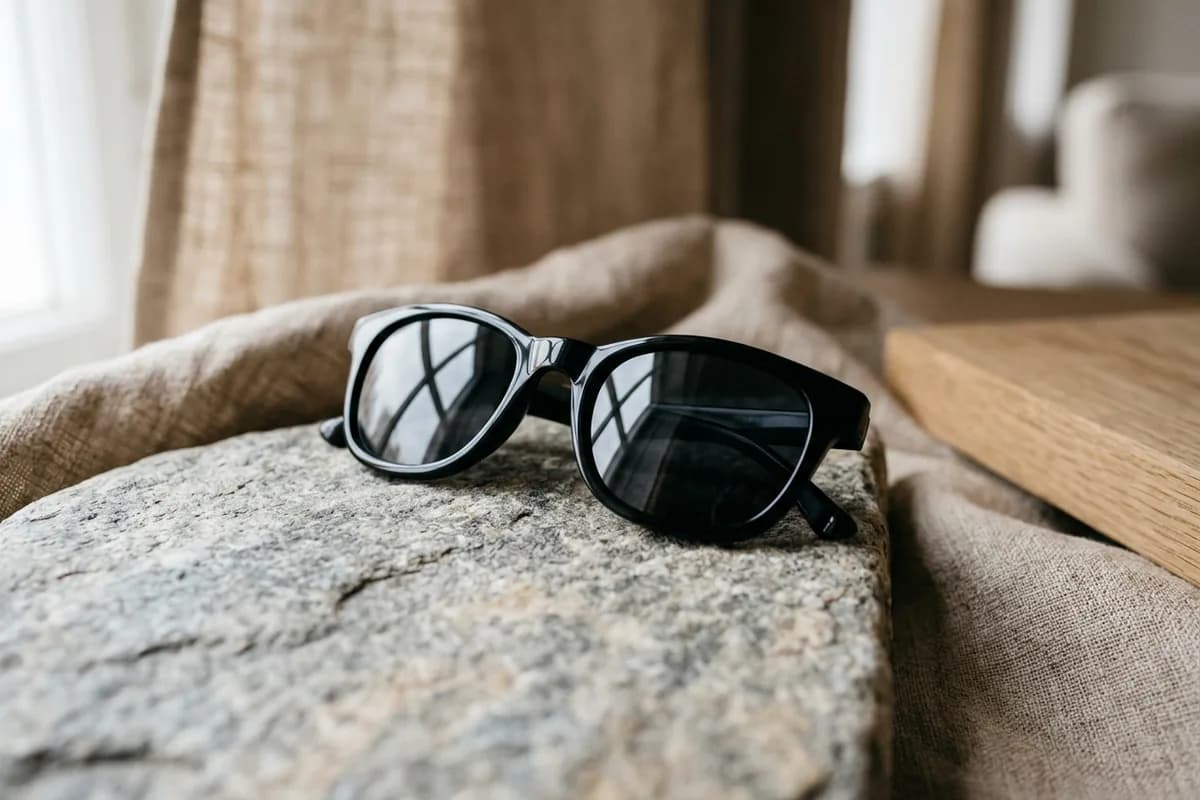
Shiny items: control the reflections

A sheet of white paper

Hold a sheet of white paper or card opposite the window to bounce soft light into shadows. It is the cheapest reflector there is.

Keep it sharp

  • Tap to focus on the detail before each shot
  • Hold still for two or three seconds, or rest your elbows on the table
  • Clean the lens
  • Retake any photo that looks soft when you zoom in

Check an item with VerifAI

Take the photos this guide describes and get an AI authenticity check in minutes. VerifAI reads only the photos you upload; it is not a physical inspection or a guarantee.

Check an item on the webApp StoreGoogle Play

Was this helpful?

Next up

How to photograph an item for a check

3 min read
Related reading

  • Close-ups

    The small details are where genuine and fake items differ most. How to capture logos, engravings, labels and serial numbers sharply enough to read.

  • Jewelry

    Read hallmarks, test metal safely at home, check clasps and settings, and know what a diamond grading report can and cannot tell you.

All articles

Product

  • All Products
  • How It Works
  • For Businesses
  • For Buyers & Sellers
  • Sample Report
  • Pricing

Resources

  • Blog
  • Scan Guides
  • Help Center

Company

  • About Us
  • Contact

Get started

  • Check an item
  • Sign in
  • Create account
  • Request a demo

Legal

  • Privacy Policy
  • Delete Account
  • Terms of Service
  • Refund Policy
  • Accessibility
VerifAI Logo
VerifAI

© 2026 Authenticating Solutions LLC (VerifAI). All rights reserved.

Product and company names and logos belong to their owners. VerifAI is not affiliated with or endorsed by them.

VerifAI