VerifAI Logo
VerifAI
How it worksFor businessesFor buyers & sellersPricing
Sign inRequest a demo
Sign in
HomeBlogListings that sell

Selling

Write a listing that sells: photos, title, condition and price

Good listings sell faster and with fewer questions. How to write the title, describe condition, set a fair price and take photos buyers trust.

3 min readUpdated 22 October 2026
An illustration of a phone showing a marketplace listing for sneakers.
3 min left
ContentsA title buyers search for
  1. 1A title buyers search for
  2. 2Photos that sell
  3. 3Describe the condition honestly
  4. 4Set a fair price
  5. 5Let the app draft it
  6. 6After you post

Contents

  1. 1A title buyers search for
  2. 2Photos that sell
  3. 3Describe the condition honestly
  4. 4Set a fair price
  5. 5Let the app draft it
  6. 6After you post

In short

  • Buyers search by brand and model.
  • A Deep VerifAI check estimates the market price from external price sources where there is enough data, which is a useful starting point.
  • Prepare to sell in the VerifAI app uses your photos to draft the listing for you, with a title, a description and a suggested price, and can make a short video of the item.

A title buyers search for

Buyers search by brand and model. Put the most important words first.

  1. 1Brand
  2. 2Model or line name
  3. 3Size, colour or material
  4. 4Condition, for example “new with tags” or “very good”

Example

“Brand Model, size 9, black leather, very good condition” tells a buyer more in one line than a vague title ever could.

Photos that sell

  • Use your own photos of the actual item, never stock images
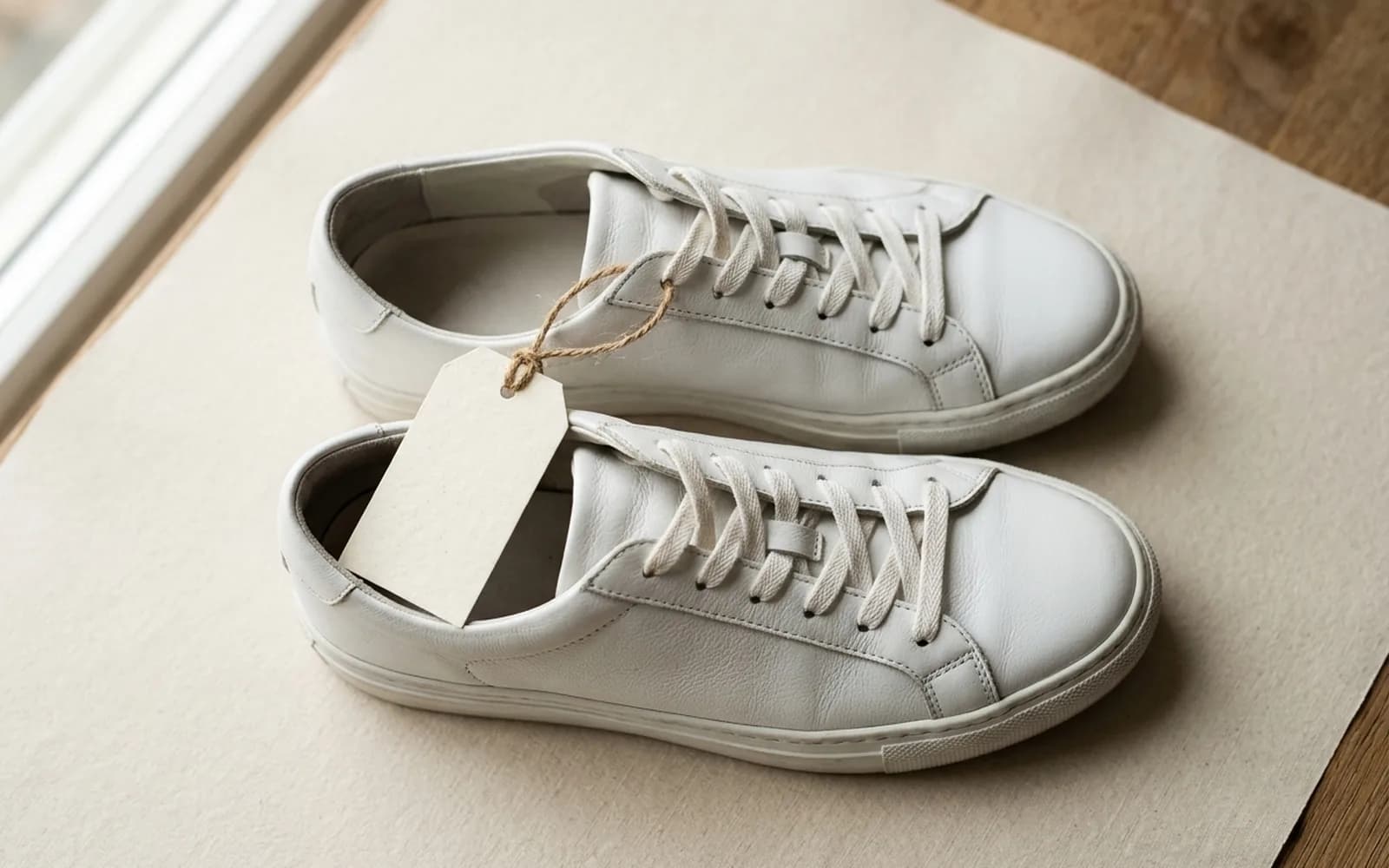
  • Start with a clean front view on a plain background
  • Add the back, sides, inside, labels, codes and hardware
  • Show every flaw clearly, and include something for scale if size matters
  • Use soft daylight and no filters, so the colours are true
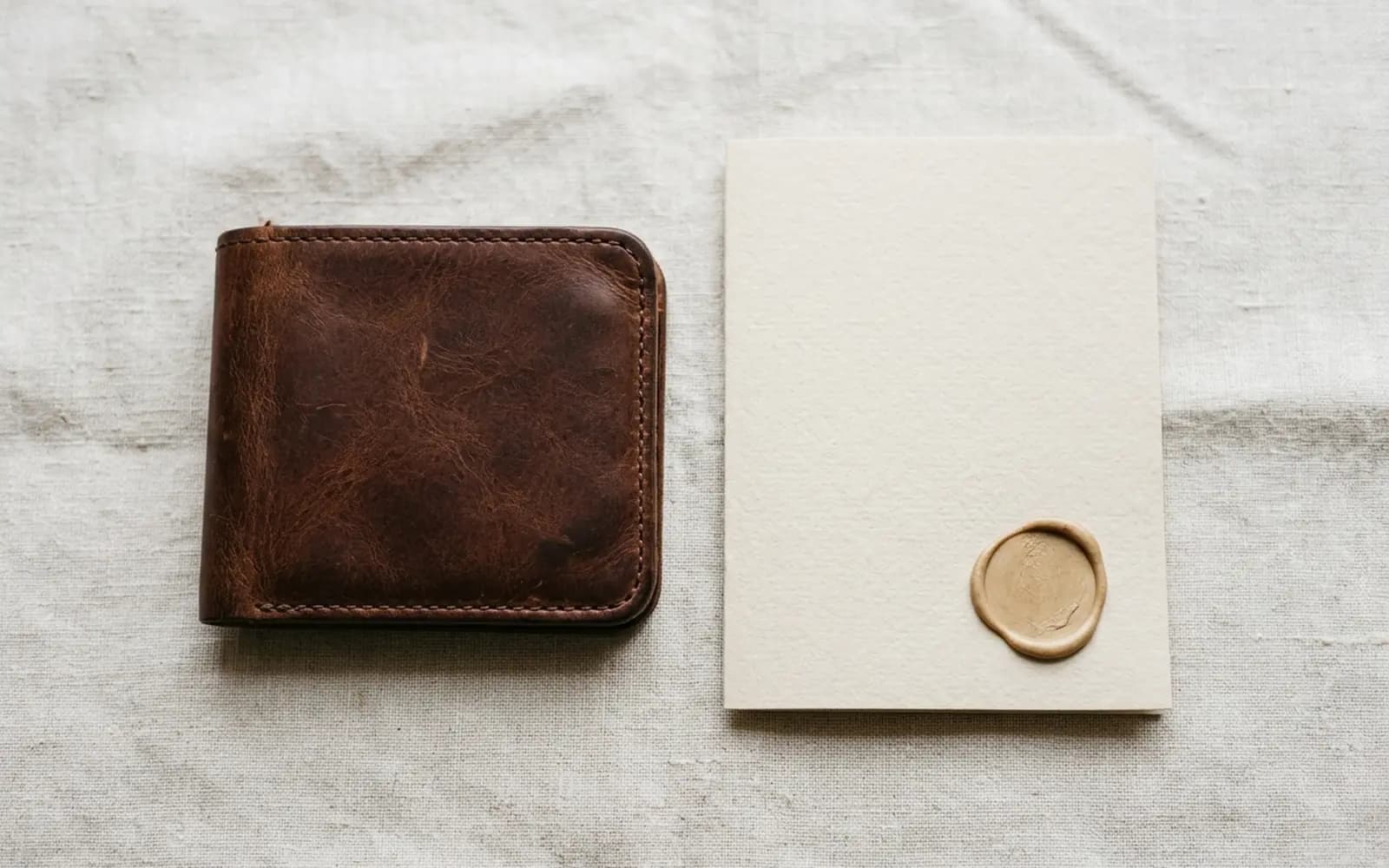
Photos that sell: clean and bright

Describe the condition honestly

  • New with tags: never used, with all original tags attached
  • Like new: used once or twice, with no visible wear
  • Very good: light signs of use, described and photographed
  • Good: visible wear, such as scuffs, marks or fading, described in detail
  • Mention measurements, what is included and any repairs
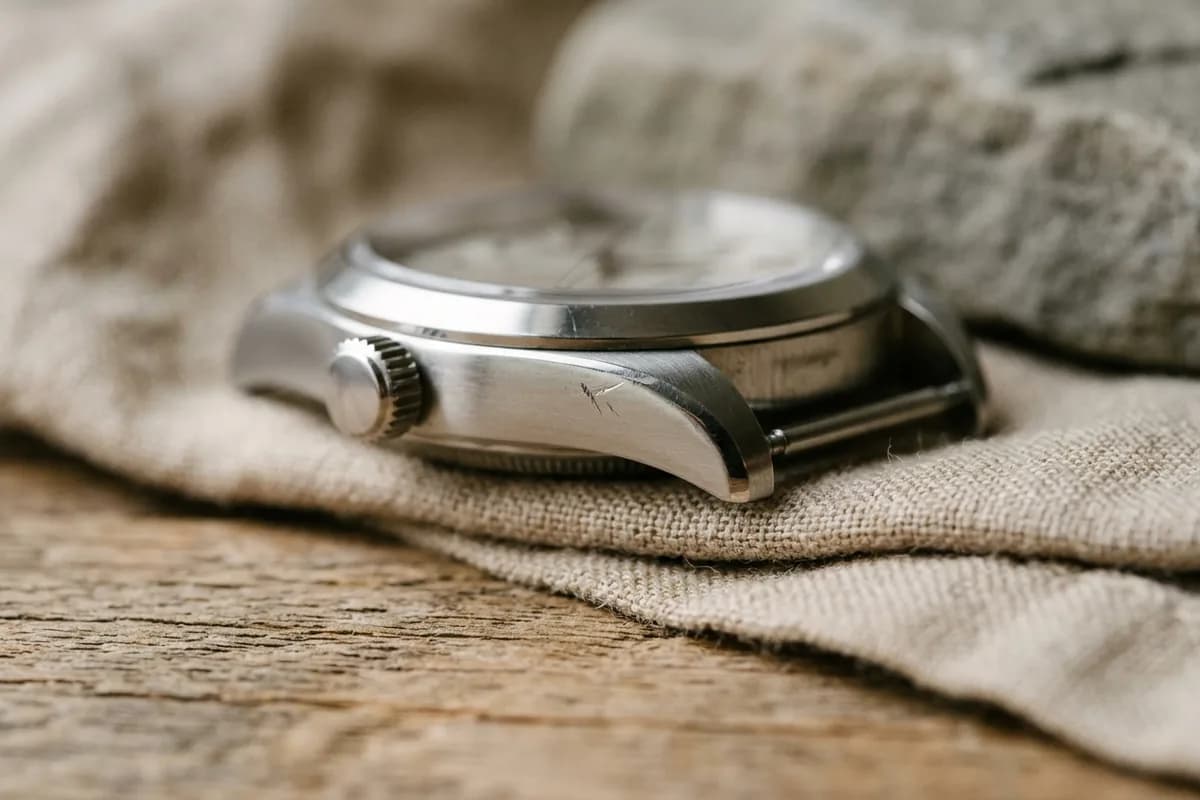
Show real wear up close

Set a fair price

  • Look at recent sold prices for the same model and condition, not only asking prices
  • Adjust for condition, completeness (box, papers, tags) and demand
  • Leave a little room if the platform expects offers
  • Avoid pricing far below market: buyers may suspect a fake
Size and details help buyers

A Deep VerifAI check estimates the market price from external price sources where there is enough data, which is a useful starting point.

Let the app draft it

Prepare to sell in the VerifAI app uses your photos to draft the listing for you, with a title, a description and a suggested price, and can make a short video of the item. Review every detail before you post it: you know the item best.

After you post

  • Answer questions quickly and politely
  • Send extra photos when asked; it reassures buyers
  • Pack the item carefully, with tracking, and keep proof of postage
  • Keep all messages on the platform

Check an item with VerifAI

Take the photos this guide describes and get an AI authenticity check in minutes. VerifAI reads only the photos you upload; it is not a physical inspection or a guarantee.

Check an item on the webApp StoreGoogle Play

Was this helpful?

Next up

Before you sell: show buyers it is genuine

3 min read

Related reading

  • Photo basics

    A check can only judge what it can see. The set-up, the shot list and the mistakes to avoid, so VerifAI has the evidence it needs.

  • Lighting

    Good light shows colour, texture and fine detail; bad light hides them. How to light any item for a check, including shiny and dark ones.

All articles

Product

  • All Products
  • How It Works
  • For Businesses
  • For Buyers & Sellers
  • Sample Report
  • Pricing

Resources

  • Blog
  • Scan Guides
  • Help Center

Company

  • About Us
  • Contact

Get started

  • Check an item
  • Sign in
  • Create account
  • Request a demo

Legal

  • Privacy Policy
  • Delete Account
  • Terms of Service
  • Refund Policy
  • Accessibility
VerifAI Logo
VerifAI

© 2026 Authenticating Solutions LLC (VerifAI). All rights reserved.

Product and company names and logos belong to their owners. VerifAI is not affiliated with or endorsed by them.

VerifAI