
Insights
What a VerifAI check can and can't see
How VerifAI looks at your photos, what it compares, what a result can tell you and where its limits are.
A check in four steps
- Choose the category: clothing, bags and accessories, jewelry, art, antiques, electronics, perfume and cosmetics, books, toys or stamps. Each has its own check, written for the details that matter for that kind of item
- Upload clear photos: the front and back, the logo or engraving, stitching and hardware, inside labels and codes, and the packaging or receipt if you have them
- VerifAI looks at the details, searching for signs that the item is genuine or counterfeit
- Read your report: a verdict, a confidence level, the details the verdict is based on and, where there is enough market data, a price estimate
What it looks at
- Logos: shape, spacing, placement and finish
- Stitching and construction: consistency, alignment and quality
- Materials: texture, grain and surface finish visible in the photos
- Labels and codes: the text on tags, serial numbers and documents
- Price: what similar items usually sell for, with a warning when an asking price looks too low
What it cannot do
VerifAI reads only the photos and documents you upload. It cannot handle, weigh, smell or test the item, or see anything the photos do not show. No human expert reviews a result, and VerifAI does not publish an accuracy figure.
Which check to use
- Quick check: a verdict and the key findings, from up to 4 photos
- Deep VerifAI: a longer, category-specific analysis of up to 8 photos, a market value estimate and a certificate you can share
- Compare: two or three items side by side, useful when choosing between listings or checking an item against one you know is genuine
- Check a listing: a check of a marketplace listing itself, before you buy
Getting the best result
Clear, well-lit photos of logos, labels, stitching and codes make the biggest difference. If a result says it needs more, add the photos it asks for and check again.
Next up

Reading your result: verdict, confidence and next steps
3 min read
Related reading
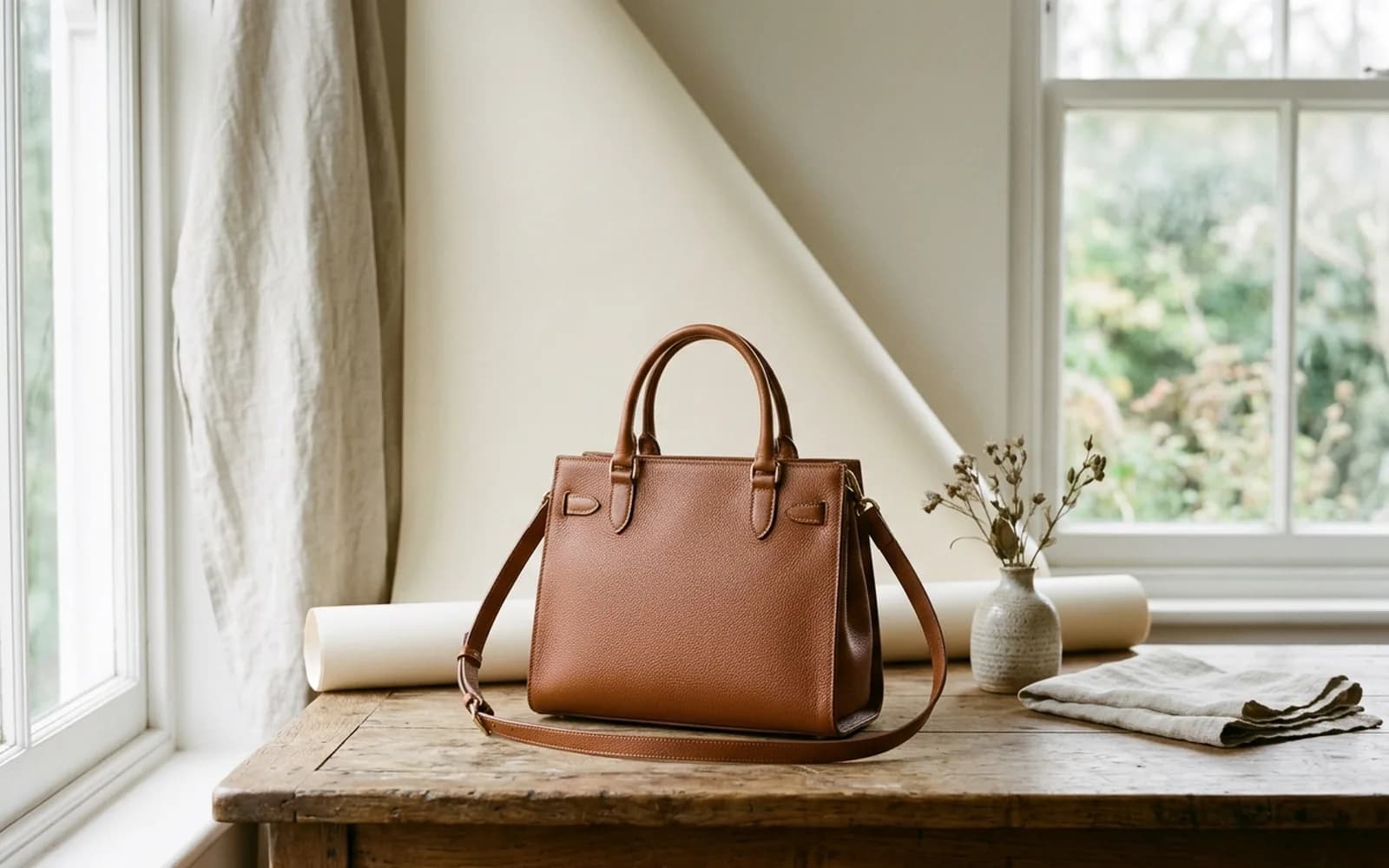
Photo basics
A check can only judge what it can see. The set-up, the shot list and the mistakes to avoid, so VerifAI has the evidence it needs.

Digital IDs
More products now come with chips, QR codes and digital certificates. What these technologies can prove, where they fall short and how to check them safely.