
How to spot a fake on Depop, and what to do if you get one

The listing, photo and seller checks that expose fakes on Depop, how to report a fake seller, and how to ask for a refund if a fake arrives.

Spot fakes6 min readUpdated
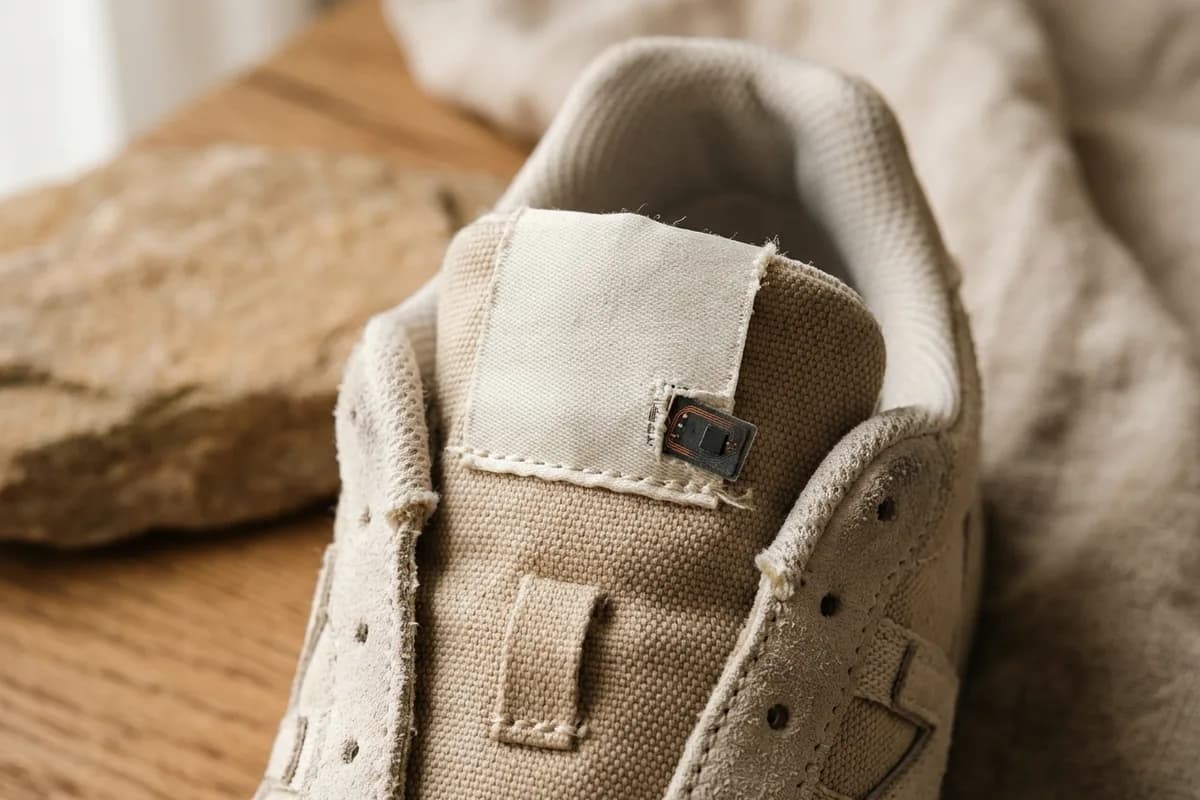
Close-up of the tongue of a worn canvas sneaker, with a stitched fabric tab and a small metal badge.
6 min left
ContentsThe short answer

The short answer

To spot a fake on Depop, check that the photos show the real item with its labels, that the price makes sense for the brand, and that the seller has a real history of sales and reviews. Pay only through Depop's checkout, never by bank transfer or a payment app outside Depop. If a fake arrives, raise it with Depop from your purchase in the app, with clear photos, as soon as you can.

Where fakes turn up on Depop

Depop is full of genuine vintage, streetwear and designer pieces, which is exactly why copies blend in. Fakes most often show up in a few places:

  • Hyped streetwear and sneakers, where the logo is the whole point of the item
  • “Vintage” designer pieces, from bags to jewellery, sold without any proof of where they came from
  • Shops that list the same brand-new item in every size, often with long shipping times, which suggests the stock comes from elsewhere
  • Perfume, sunglasses and AirPods sold as “brand new, sealed”

Read the listing carefully

  • The price is believable for that brand, model and condition: compare it with items that have already sold
  • The title and description name the brand on the label, not just a list of brand hashtags
  • There are no words like “rep”, “replica”, “inspired”, “dupe”, “1:1” or “UA”
  • The condition is described honestly, flaws included

Check the photos

Depop photos are often styled, which is fine, as long as you can also see the details that matter.
  • At least one photo shows the item laid flat or on a hanger, not only worn
  • You can see the neck label, the care label and the logo up close
  • The photos aren't product shots from a brand website or another shop
  • The colours and details stay the same across all the photos
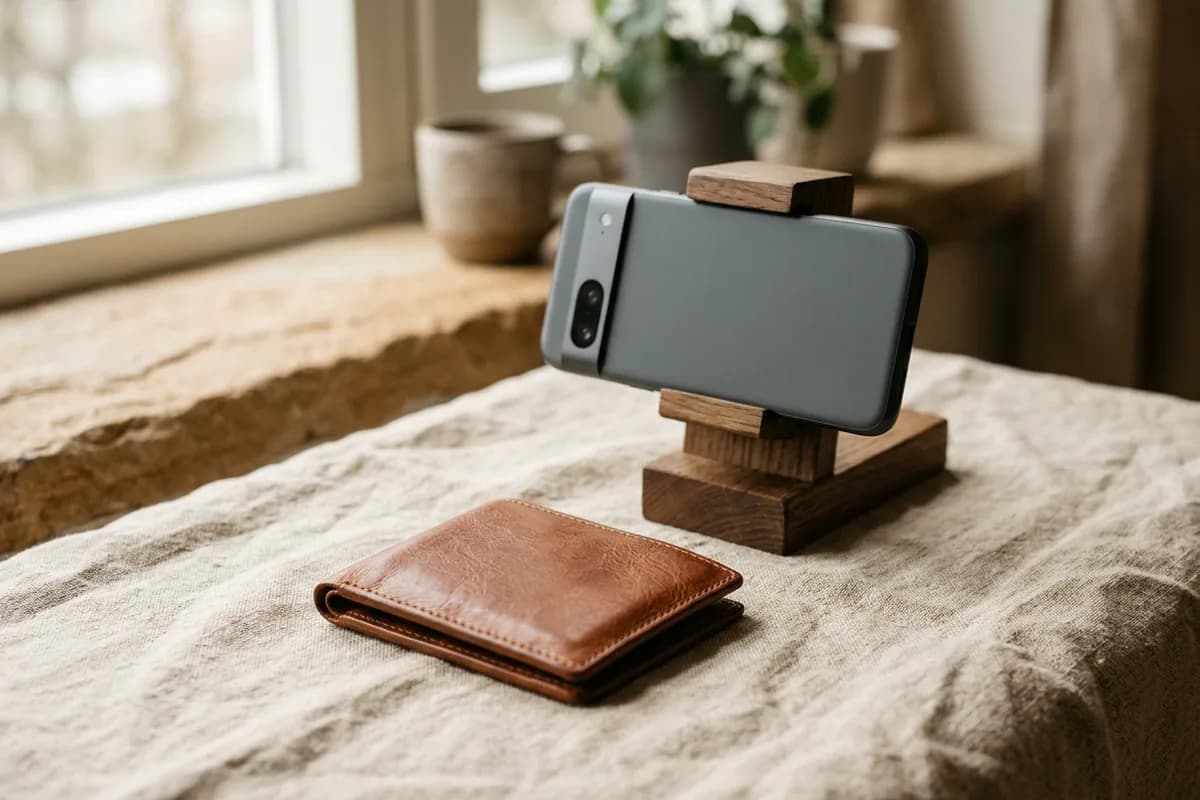
A phone on a small wooden stand beside a leather wallet: asking for one more photo only takes a minute

Ask for anything that's missing. A seller with a genuine item rarely minds sending another angle or a close-up.

Spot a fake seller

  • The shop has reviews, and buyers mention that items arrived as described
  • It has sold items before, not only active listings
  • The other listings look like a real wardrobe or a real vintage shop, not the same new piece in every size
  • The seller answers questions clearly and keeps the conversation on Depop

Check labels and details

When the item is in front of you, or in close-up photos, look at the details copies most often get wrong.

  • Labels are neatly sewn in, with sharp printing, correct spelling and the fonts the brand uses
  • Logos, prints and embroidery are crisp, centred and the right size
  • Stitching is even, and zips, buttons and hardware feel solid
  • On a vintage piece, the label style fits the era the seller claims; a modern label on a “90s” item is a red flag
  • On clothing sold in the US, the RN number on the label can be looked up in the FTC's public RN database. A match doesn't prove much, because copies reuse real numbers, but a number that belongs to a different company is a warning

Pay through Depop

Depop's buyer protection is meant for purchases made through Depop's own checkout. Payments made outside the app, in cash or by direct transfer, generally aren't covered, and a scammer knows that.

Got a fake? Report it and ask for a refund

Depop's help centre lists counterfeit items as “significantly not as described”, which Depop's buyer protection can cover once Depop has reviewed the evidence. There is a time limit counted from the date of purchase (30 days in Depop's help centre at the time of writing), so don't wait.
  1. Message the seller first and explain the problem calmly; keep everything in Depop's messages
  2. Open the purchase in the app, choose the option to get help with the order, and say the item isn't as described
  3. Add clear, well-lit photos of the item, its labels and logos, and explain exactly how it differs from the listing
  4. Follow Depop's instructions. You may be asked to send the item back, and Depop makes the final decision
  5. Report the listing too, using the menu on the listing page, so other buyers are protected
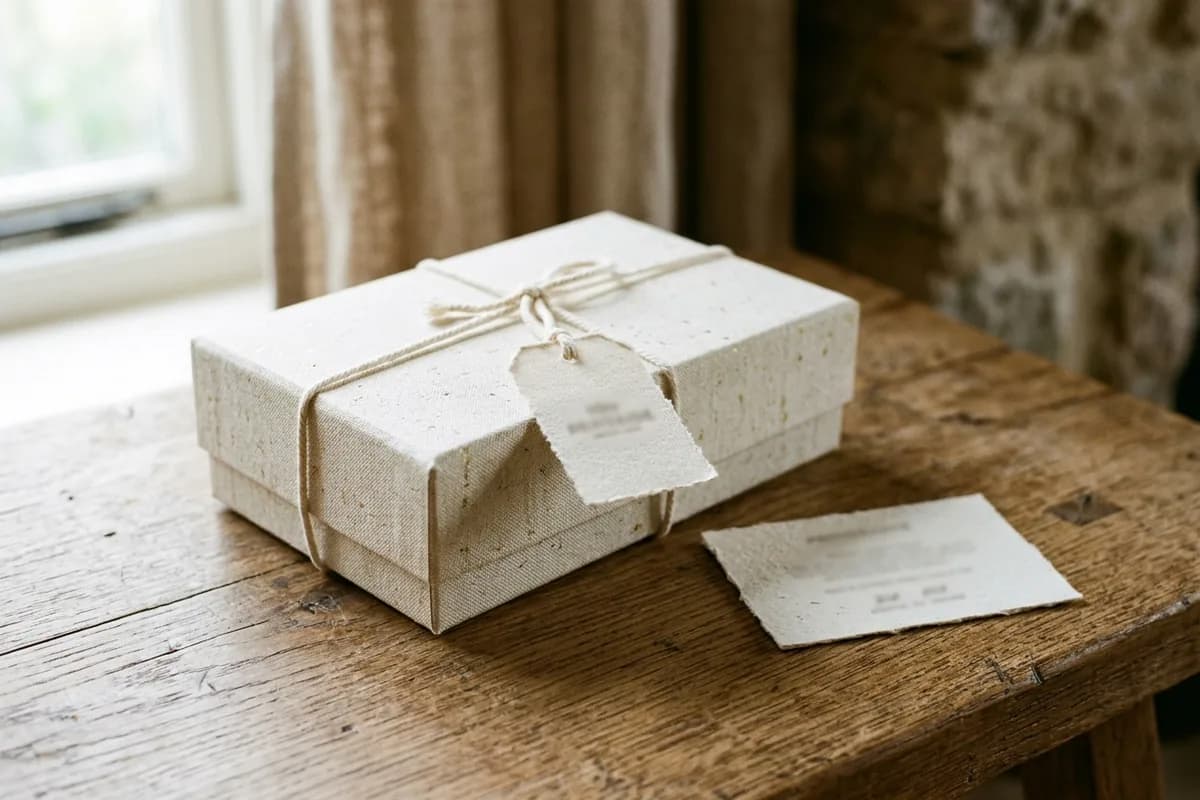
A box tied with string, with a paper tag and a printed card beside it: keep the packaging, tags and paperwork until the case is closed

Menus and time limits can change and differ by country, so check the current steps in Depop's help centre.

Check a Depop listing with VerifAI

Before you buy, open VerifAI, choose Check a listing and paste the link to the Depop listing. VerifAI reads the seller's photos and points out details that don't fit the genuine item. If the photos are too styled or too few, ask the seller for:

  • The item laid flat in daylight, front and back
  • Close-ups of the neck label, the care label and the logo
  • A photo with a handwritten note showing your Depop username and today's date
  • For bags, shoes and jewellery: the hardware, the inside and any codes or stamps
  1. Paste the listing link into Check a listing, or upload the photos for a free quick check
  2. For a pricey piece, run a Deep VerifAI check, from $2.99, for a full report and a certificate you can share
  3. When the item arrives, check it again with your own photos, or start a two-minute Live check, where an AI agent talks you through the details on camera

Was this helpful?